The Ultimate Guide to Digital Privacy in 2026 - 7 Essential Steps to Protect Your Data
You wake up to a notification: "Your account has been compromised." You check your email—that's the third breach alert this month. Your bank contacts you about suspicious activity. Your social media account asks you to verify your identity.
Welcome to 2026, where digital privacy has become the most valuable asset you have.
The State of Digital Privacy
The statistics are undeniable: 375 million people were impacted by data breaches in 2025. The global average breach cost is now $4.44 million. Unauthorized access to personal information affects 53% of respondents. And deepfake voice attacks through messaging platforms increased 1,100%.
This isn't just about hackers stealing passwords. It's about your identity, your finances, your relationships, and your future on the internet.
But here's the truth: protecting your digital privacy doesn't require a degree in cybersecurity. It requires understanding the fundamentals and using tools that work.
Let me walk you through 7 essential steps to protect your data in 2026 and show you how the right messaging platform can make all of this easier.
Step 1: Understand What Digital Privacy Really Means
Digital privacy isn't about having "nothing to hide." It's about having control over your information.
Think about what you share online:
- Messages with family and friends
- Financial information with banks
- Health records with doctors
- Work documents with colleagues
- Personal photos and memories
Every piece of this data is vulnerable. Data breaches don't just expose passwords—they expose your entire life.
Why this matters: When companies store your data on their servers, they become responsible for protecting it. But 64% of people cite data breaches as their top concern, and most companies fail to meet this expectation.
The solution isn't avoiding technology. It's using technology that respects your privacy from the ground up.
Step 2: Use End-to-End Encryption for All Messages
End-to-end encryption chat is the foundation of digital privacy. Here's what it means:
When you send a message with end-to-end encryption:
- Your message is encrypted on YOUR device
- It travels across the internet as encrypted data
- It's only decrypted on the RECIPIENT'S device
- No one in the middle can read it—including the app company
Without encryption, your messages sit on servers where companies, hackers, or governments can access them.
Why this works: According to 2026 cybersecurity research, zero-knowledge encrypted messaging platforms showed zero successful message interception incidents across all reported breaches. That's not a small number. It's zero. Entirely. Completely. No breaches.
xPal uses cryptographic algorithms validated under the NIST CAVP Cryptographic Algorithm Validation Program, the federal standard for cryptographic correctness. This isn't marketing claims. This is federally validated security.
When you choose end-to-end encryption chat, you're choosing the only proven method to protect your conversations.
Step 3: Never Hand Over Your Identity to Register
Most messaging apps require your phone number, email address, or real name. You think this is normal. It's not.
When you provide your phone number:
- Companies link your identity to every conversation
- Hackers can target you with personalized scams
- Central databases become points of failure
- Your contact information spreads across networks
The reality: Data breaches in 2025 impacted at least 375 million individuals, and phone numbers are often the first information stolen.
Anonymous messaging means you don't need to give up your identity. You communicate through a unique ID that doesn't reveal your phone number, email, name, or location.
With xPal, you get a 9-digit xID® instead of a phone number. No SIM card required. No email needed. No identity details stored. You communicate globally without country codes or area codes, keeping your real identity completely separate from your conversations.
This is what true privacy looks like.
Step 4: Protect Your Group Conversations
You're in a work group chat with 20 people. Someone shares confidential information. Two months later, that information is public. How?
Someone who left the group months ago still has access to all messages.
Most apps don't update encryption keys when group membership changes. This is a massive security gap.
Secure group chat requires:
- Encryption keys that update when someone joins
- Encryption keys that update when someone leaves
- Forward secrecy (new members can't see past messages)
- Backward secrecy (former members lose access immediately)
Why this matters: Groups are where most privacy breaches happen. Businesses lose $2.9 billion annually to email compromise, and group chats are the primary vector.
xPal's Group Messaging feature provides ultra-secure and private group communication with end-to-end encryption that protects every member. When someone leaves, the keys change. When someone joins, they can't access history. This is how group chat should work.
When you use secure group chat, you protect everyone in your conversations.
Step 5: Strip Metadata from Every Photo and Video
You share a photo of your new car. Looks harmless, right?
Hidden in that photo are:
- Exact GPS coordinates
- Device model and serial number
- Timestamp of when you took it
- Software version and settings
- Your camera's unique identifier
Scammers use this metadata to build detailed profiles of your life, location, wealth, and routines.
The problem: Most messaging apps don't strip metadata before sending. Your photos become data packets about your entire life.
The solution: Use platforms that automatically remove all metadata. xPal's Photo & Video Distiller™ strips ALL metadata from shared media before encryption.
Your photos look identical, but they don't carry hidden information about where you are, what device you use, or when you're active.
This is one feature you won't appreciate until you realize how much it's protecting you.
Step 6: Stop Giving Apps Access to Your Contacts
Why does a messaging app need access to your entire contact list?
Most apps require this access, upload it to their servers, and build massive databases of who knows whom. When that database gets breached (and 375 million people were impacted in 2025), scammers get instant access to:
- Your entire contact network
- Everyone's phone numbers
- Names, relationships, and connections
- Patterns of communication
They then use this information for hyper-targeted scams. "Hi Mom, this is me. My phone broke. Send money to this number."
The truth: If an app requires contact access, that's a red flag. Your contacts should stay on your device.
This is exactly what xPal does: xPal does NOT access your contacts or any data on your device. We don't collect your name, phone number, email, location, or contacts.
Your contact list stays private, on your phone, where only you can access it.
Step 7: Use Total Control Over Your Communication History
You send something you regret. You delete it from your phone. Great, right?
Wrong. Your message probably still exists on:
- The recipient's device
- The company's servers
- Backup systems
- Cloud storage you don't control
Regular "deletion" just hides the message from your view. It doesn't erase it.
Total control means:
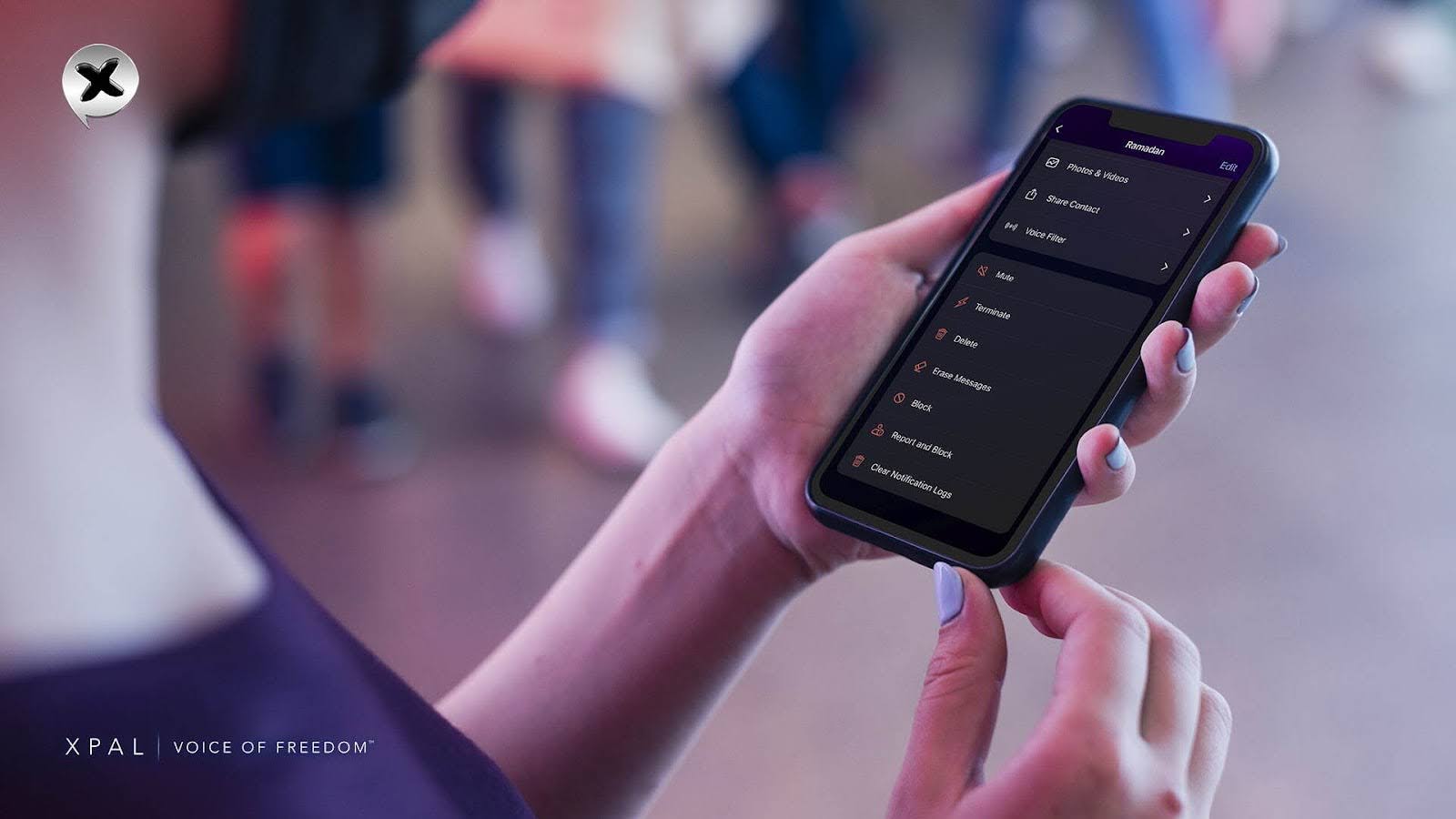
- Deletion from both devices once the command is processed
- No message content retained on servers after delivery
- No backup copies
- No way to recover deleted messages
This is what control looks like.
The Real Costs of Digital Privacy Violations
Let's talk about what's actually happening:
- 375 million people impacted by data breaches in 2025
- $4.44 million global average breach cost
- 53% of respondents affected by unauthorized access
- 64% cite data breaches as top concern
- 1,100% increase in deepfake voice attacks
- $2.9 billion lost annually to email compromise
- Healthcare industry has highest breach cost
- Educational institutions being targeted at record rates
These aren't abstract numbers. They're real people whose privacy was violated, whose identities were stolen, whose lives were disrupted.
And yet, zero-knowledge encrypted messaging platforms showed zero successful message interception incidents.
The technology works when it's implemented correctly.
How xPal Makes Digital Privacy Simple
You don't need to be a cybersecurity expert to protect yourself. You just need the right tools.
xPal is built for digital privacy in 2026:
- NIST CAVP Cryptographic Validation (federal standard)
- DEKRA Independent CyberSecurity Audit & Certification
- Google CASA/MASA Certification (App Defence Alliance)
- OWASP Secure Coding Practices alignment
We don't access your contacts. We don't collect your data. We don't require your phone number, email, or identity.
You get end-to-end encryption chat that actually works, anonymous messaging that protects your identity, and secure group chat that protects every member.
Your Digital Privacy Is Your Responsibility
Digital privacy isn't optional in 2026. It's essential.
The 7 steps we covered today are the foundation of protecting yourself online. When you follow them, you're not just protecting your messages. You're protecting your identity, your finances, your relationships, and your future.
xPal gives you ultra-secure messaging with verified cryptography and total control. No phone number needed. Reduced identity exposure. Minimized metadata. No centralized ad tracking.
Your privacy matters. Your data should stay private. And in 2026, you have options that actually work.
Download xPal today and take control of your digital privacy. Your future self will thank you.
Ready to master digital privacy in 2026? Get xPal now and join the growing community of people who protect their data with verified security.
Visit xPal to learn more about ultra-secure messaging.