xPal Desktop App Expands Its Privacy-First Messaging System to Windows, macOS, and Web
The xPal desktop app is bringing anonymous, military-grade encrypted messaging beyond mobile, expanding its privacy-first platform across Windows, macOS, and web browsers without compromising the core principles it was built on.
Privacy, the highest priority of xPal Messenger, is maintained with the same identity and messaging model used on desktop as on mobile.
Another key aspect to explore is that there are generally two kinds of communication apps. Some are installed because they are widely used. Others are installed because users have actively chosen them after considering what they need. xPal belongs to the second category.
xPal secure messenger is designed for users and teams who intentionally choose how their communication is structured, what identity they use, and how their messages are handled across devices.
Users are represented by a username, a PIN, and a 9-digit xID® that acts as their communication identity across the system.
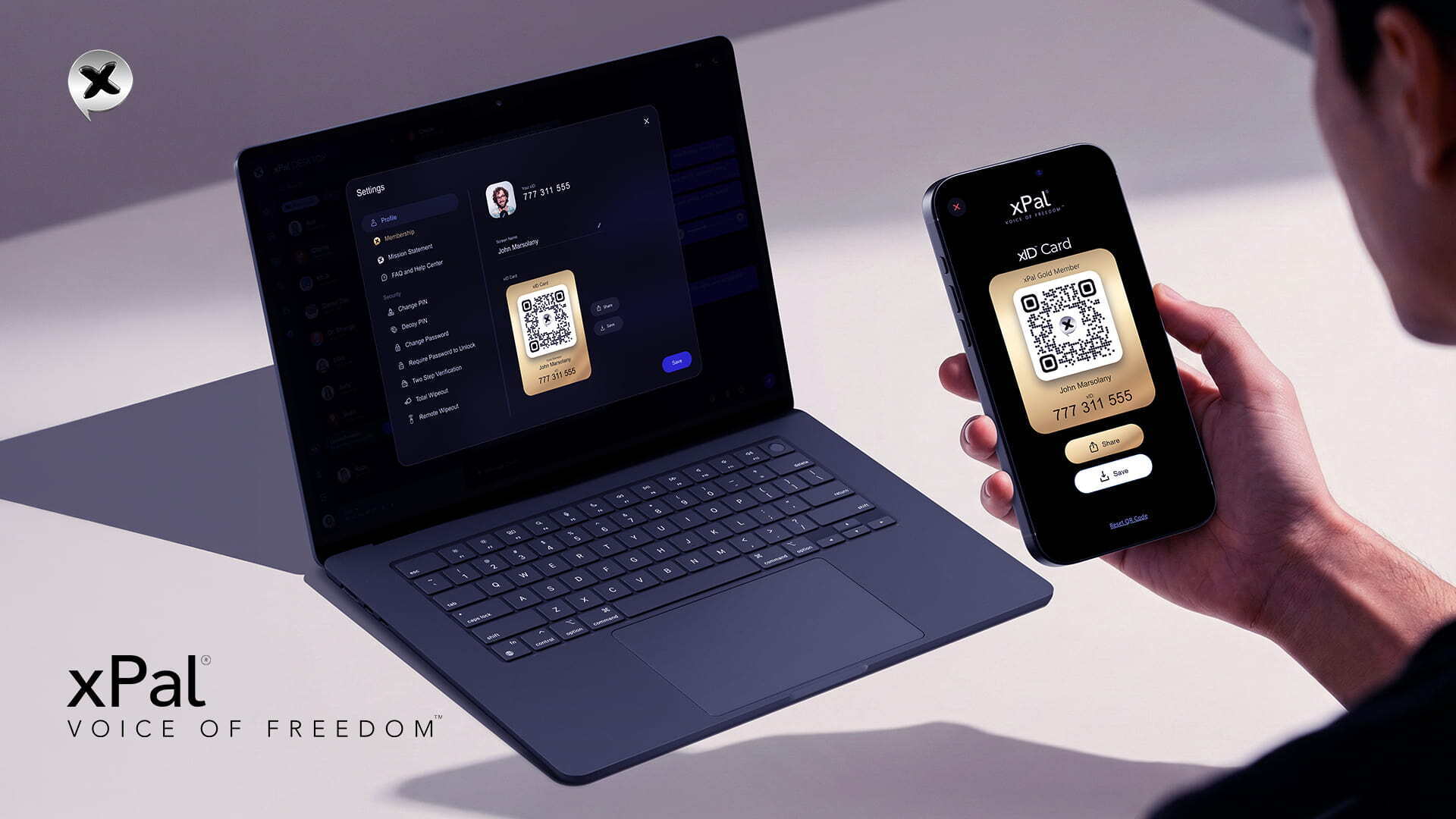
The desktop version of xPal secure messenger is now available for Windows, macOS, and web browsers. It stays fully synchronized with the mobile app, carrying over existing conversations and contacts while making the experience easier to use on larger screens.
xPal secure messaging app for desktop is designed for longer sessions, multiple conversations at once, and more comfortable interaction during daily work.
xPal Desktop App: Technical Overview of How It Works and Why It Matters
Let us now consider how simple this process is:
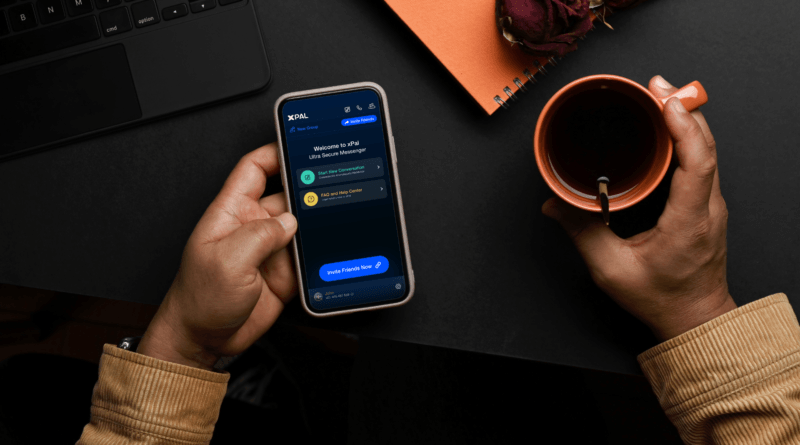
When you open the xPal desktop app for the first time, it shows you a QR code. You scan it with your phone and Done.
The two devices are now linked through a WebSocket connection, a real-time, encrypted channel, and everything stays in sync from that point forward.
Old text conversations from your phone sync seamlessly to the desktop. New messages arrive instantly on whichever device you are actively using.
You can start a conversation at your desk, continue it on your phone in the car, and return to your desktop without losing any context or messages.
xPal is a reliable and secure messaging app for desktop because it does not feel like two separate devices managing the same account. It feels like a single continuous experience across screens.
To see why this feels seamless, we need to look at how it is built. The sync uses WebRTC and WebSocket communication. When the xPal desktop app starts, a socket connection is established that generates a unique session ID, and that ID becomes the QR code. The second device scans it, the connection is established, and real-time synchronisation begins. None of these routes your messages through a new server layer that didn't exist on mobile. The relay infrastructure is consistent. The encryption is the same.
xPal private messaging app uses AES-GCM, an advanced Encryption Standard in Galois/Counter Mode. It is a symmetric authenticated encryption algorithm.
What this means in simple terms is that your message is encrypted on your device using a key that only your device holds, and it can only be decrypted by the recipient’s device using its own key. No intermediary, not a server, not a network provider, and not xPal secure messenger itself can read the content.
AES-GCM also ensures integrity. If a message is intercepted and altered in transit, the system detects it immediately, preventing tampering from going unnoticed.
Beyond that, encryption keys are generated using ECDH Elliptic Curve Diffie-Hellman. Each device generates its own unique keys. On iOS, those keys live in the Keychain. On Android, in the Keystore. They don't leave the device. They are not shared across devices. They are not held by xPal secure messenger on a server somewhere, waiting to be handed over.
xPal secure messenger applies these standards to ensure that its encryption model is not just described, but independently tested against established security benchmarks.
xPal’s cryptographic implementation has been validated under the NIST Cryptographic Algorithm Validation Program (CAVP), which tests cryptographic modules against defined international standards.
It has also been audited by DEKRA over three consecutive years.
In addition, xPal encrypted messaging apps have passed the App Defense Alliance CASA certification across all testing categories.
Why Does Desktop Change the Way You Use xPal Secure Messenger?
A private messaging app also needs to be cross-platform. Privacy matters, but so does being able to communicate seamlessly across devices, especially in professional settings.
Mobile usually feels like the right place to start, and most conversations we see happen on phones. But the conversations that carry the most weight, preferably the corporate or professional ones with the most at stake, often happen at a desk.
Professional life communication needs a system such as a team coordinating something sensitive, a journalist working as a source, a business decision that is not ready to exist on a platform harvesting metadata in the background. The professionalism in such communications matters to people, too.
Sometimes, even a personal conversation deserves more than a 6-inch screen.
The xPal secure messaging app for desktop has group chats supporting up to 50 members on the free plan and 100 on Gold. Users can share files, including documents, photos, and videos, without friction. Encrypted audio and video calls are also supported, using SRTP (Secure Real-Time Transport Protocol) with DTLS key exchange, ensuring that media streams are encrypted peer-to-peer, with encryption keys never passing through the server.
On desktop, communication feels more complete: a full keyboard, a larger screen, and the space to work through conversations properly without the limitations of mobile.
Privacy Controls on xPal Desktop App
The xPal secure messaging app for desktop not only brings the same privacy control system from mobile into a full desktop environment but also facilitates longer conversations, deeper workflows, and higher-volume communication.
If we talk about the potent privacy features:
- Flicker™ Mode lets you set a timer on any message directly inside a chat. You can choose how long a message stays visible: seconds, hours, or days. Once it is read and the timer expires, the message is removed from both devices. It is not archived or recoverable.
- Terminate™ allows full removal of conversations from both sides. It deletes the entire thread, including your messages and the other person’s responses, from both devices simultaneously.
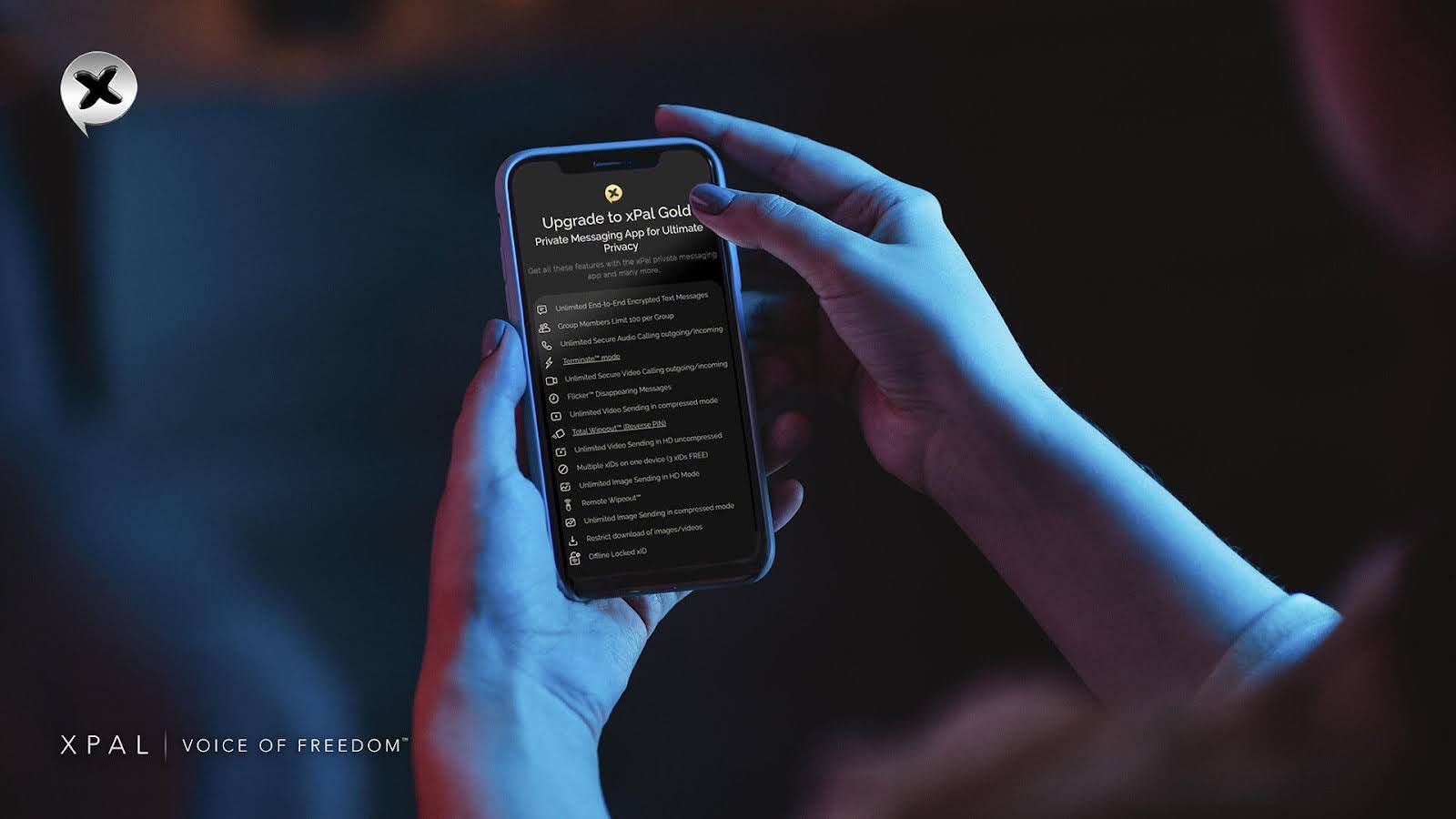
- Total Wipeout™ provides a system-level erase function. Entering a reversed PIN immediately deletes all messages, calls, and shared media across the account. The action is instant and irreversible, with no recovery path.
- Photo & Video Sanitizer™ removes metadata before any file is sent. Location data, timestamps, device details, and camera information are stripped at the device level before encryption.
On top of all, on the backend, messages are only stored while undelivered and remain encrypted during that period. Once delivery is confirmed, they are deleted within a maximum of 36 hours. Deleted data is fully replaced instead of just being marked as removed, which makes it extremely difficult to recover.
All of these controls are fully available on the xPal desktop app, synchronized with mobile, so privacy behavior remains consistent across devices.
How does xPal let unified Identity across Devices?
Your xID® does not change. Your username does not change. The same identifier that people use to reach you globally, without country codes, area codes, or any link to your real identity, works on both desktop and mobile.
If you are already using the xPal private messaging app, linking your desktop takes around thirty seconds. After that, everything is synced and ready to use.
If you are new, registration on desktop follows the same process as mobile: choose a username, set a PIN, and receive your xID®.
xPal secure messenger is designed so that conversations stay private to the participants. The xPal desktop app applies the same model to a full keyboard and larger screen.
FAQs
- Does the xPal desktop app require a separate account from
mobile?
No. You use your existing xID. Link your desktop to your mobile via QR code in the settings, and both devices sync to the same account. - Can I use xPal secure messenger on the desktop without having the mobile
app?
You can access xPal secure messenger via a web browser independently. For full desktop sync with mobile message history, the mobile app is needed for the initial QR linking. - Are messages on the desktop encrypted the same way as on
mobile?
Yes. AES-GCM encryption applies to every device. Messages are encrypted on the sending device and decrypted only on the receiving device, regardless of whether you are on a phone or desktop. - What happens to my messages if I close the xPal desktop
app?
Messages continue to arrive and are stored locally on the device. xPal data on the desktop is encrypted at rest. It is unreadable to anyone who gains access to your machine while the app is not actively open and unlocked. - Can I make video calls from the xPal desktop app?
Yes. Audio and video calls are fully supported on the xPal secure messaging app for desktop. They use SRTP encryption with DTLS key exchange; peer-to-peer, encrypted, and the call content never passes through a server in readable form. - If I use Total Wipeout™ on mobile, does it also wipe the
desktop?
Yes. Total Wipeout™ acts across the account. Conversations are wiped from all linked devices and from all recipients' devices simultaneously. - Does linking a desktop device mean someone could log in to my account from
my computer without my knowing?
xPal encrypted messaging app only allows one active session per device type. If a new device tries to link, you are notified, and the previous session is affected. Linking requires physical access to your QR code. - Is my IP address exposed when using the desktop app?
No. xPal secure messaging app for desktop uses relay servers for calls, which means neither party's IP address is visible to the other. xPal does not store or log IP addresses on its servers. - Are the xPal desktop app encryption keys separate from my mobile
keys?
Yes. Each device generates its own unique encryption keys stored locally. Desktop keys are not copies of mobile keys. - Can I take screenshots on the xPal desktop app?
Screenshot behaviour follows platform rules, but when Flicker™ Mode is active, screenshot attempts trigger a notification to the other party. xPal private messaging app is continuously developing additional screenshot controls for desktop, consistent with its mobile protections.