What is xPal, an End-to-End Encrypted Business Messenger, & How It Keeps Messages Private
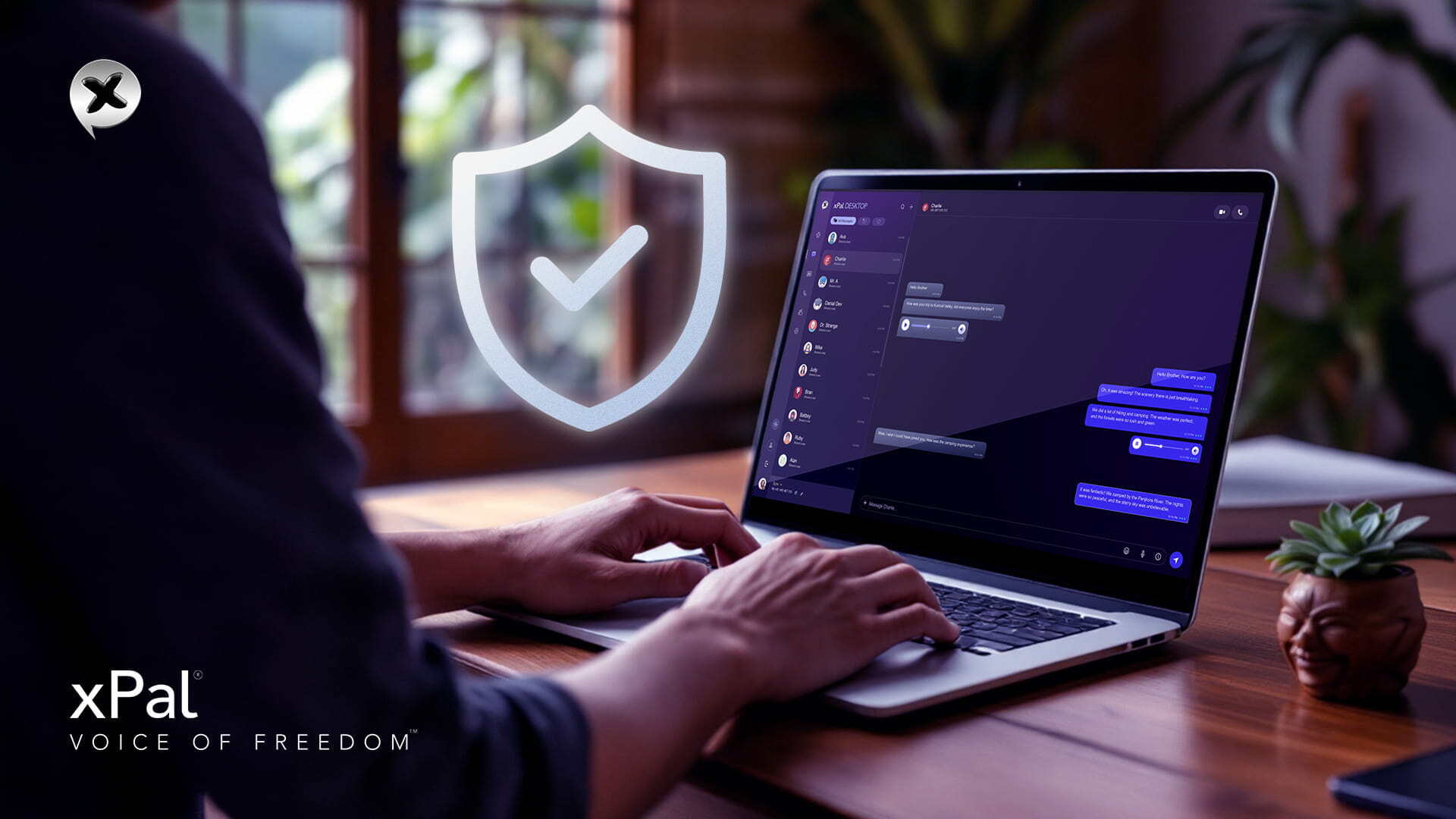
xPal is an end-to-end encrypted business messenger built for people who don’t want their private conversations exposed or stored somewhere they can’t control. It lets you send messages, make calls, and share information, but with a stronger focus on keeping that data private. Instead of relying only on basic encryption, xPal is designed to reduce how much others can see or access in the first place with third-party access, built-in security features, and patent-approved technologies.
Today, communication is mostly handled through messaging apps, more than face-to-face conversations. These platforms don’t just deliver messages; they also store and process large amounts of user data in the background.
This doesn’t mean there is always a risk, but it is important to understand how modern messaging works. Messages can travel beyond the device, stay stored for longer, and may be accessed in ways users don’t expect.
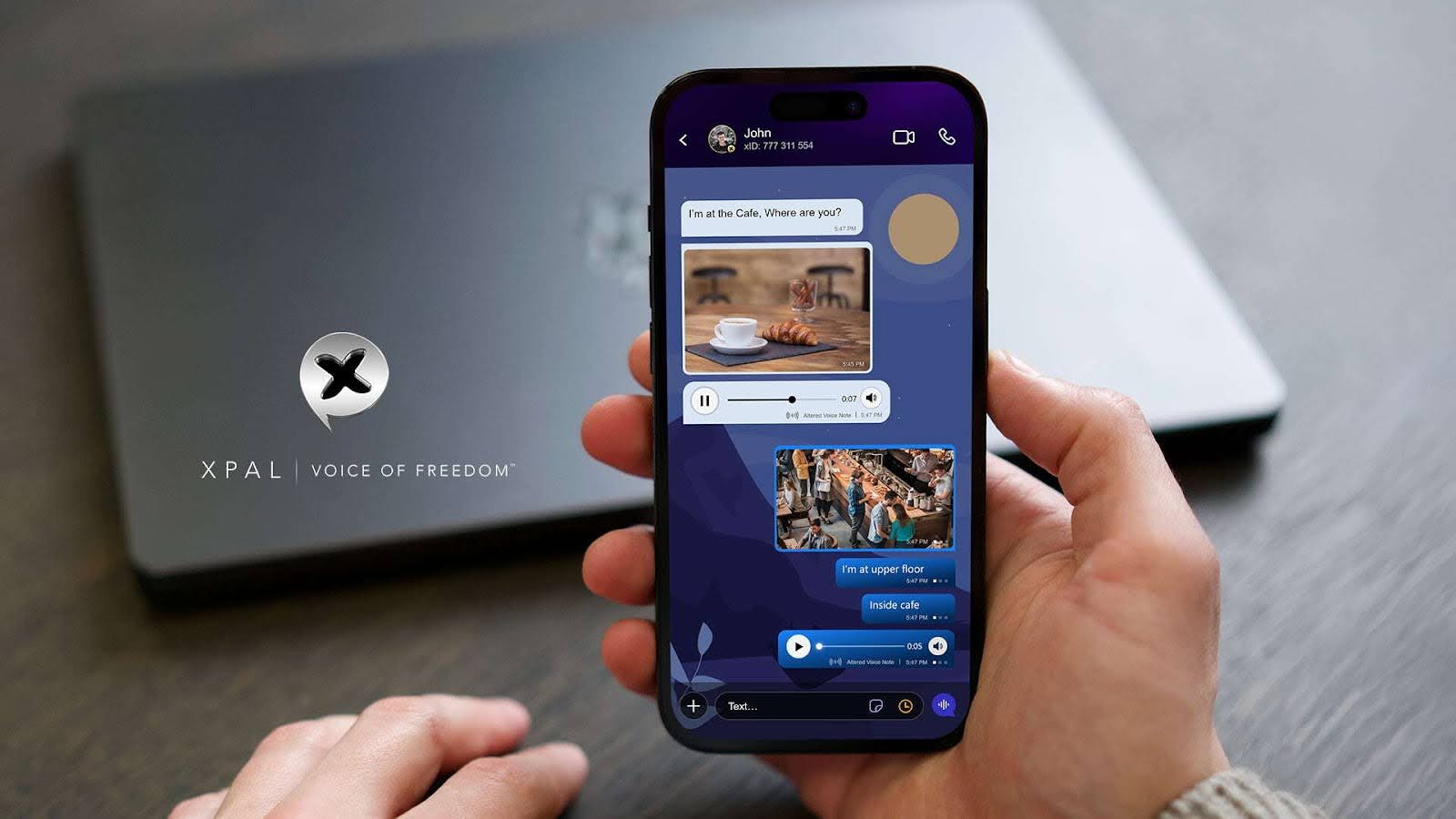
xPal is built as a secure messaging app focused on giving business owners and people more control over their conversations. It is designed around the idea that privacy should feel normal, not something users think about only when something goes wrong.
In simple terms,
- No third party can access messages or listen to calls
- Your communication stays private and under your control
- Only you and the person you are talking to can see the conversation
What Makes an End-to-End Encrypted Business Messenger Different by Design?
xPal is built on a privacy-focused messaging approach where your identity is not tied to personal details like phone numbers or emails. Instead of collecting user data to create accounts, it focuses on keeping communication separate from real-world identity.
You don’t need the following to use xPal end-to-end encrypted business messenger:
- A phone number
- Location data
- An email address
- Your true name
- Having access to your contacts
- Where you are
xID™
9-digit xID™ is a private Messaging ID that lets you connect with others without revealing who you are. You can use it to send messages, make audio calls, and start video conversations globally, without depending on phone numbers, country codes, or personal identifiers.
In simple terms, xID™ works as a private communication layer between users and the system. It enables full messaging functionality while keeping real-world identity hidden and protected by design.
xPal is Built on Verified Security Standards
In the xPal messaging app, security is independently tested and verified through globally recognized cybersecurity frameworks. The platform follows strict development and auditing processes to ensure its encryption and data protection systems meet international standards.
xPal end-to-end encrypted business messenger has been evaluated and validated through multiple security programs, including:
- NIST CAVP Cryptographic Validation, which confirms the strength and correctness of cryptographic algorithms
- DEKRA Independent Cybersecurity Audits and Certification, conducted across multiple years (2023, 2024, 2025, 2026)
- Google CASA/MASA1 Certification (App Defense Alliance), focused on mobile application security and threat resistance
- Secure development practices aligned with OWASP security standards are widely used to assess application vulnerabilities
Policy for Minimal Data Collection
xPal Secure Communication App is designed with a minimal-data collection approach, meaning it avoids storing personal information, and as always, privacy-focused messaging is the greatest priority.
This includes:
- No collection of names
- No phone numbers required for usage
- No email addresses
- No contact list syncing
- No location tracking
- No stored message content
- No call recordings
Instead of building user profiles, the xPal messaging app focuses on keeping communication independent from personal identity data.
Message Storage and Retention
Messages in xPal end-to-end encrypted business messenger are not stored long-term on servers.
- Once a message is delivered, it is immediately removed from active systems.
- If a message cannot be delivered:
- Text messages are removed within 36 hours
- Media files are removed within 24 hours
- No permanent backups of user conversations are created
This approach reduces stored data and limits exposure risks, aligning with common cybersecurity principles such as data minimization recommended in OWASP guidelines.
End-to-End Encryption in xPal
All communication in the xPal messaging app is protected using end-to-end encryption, including:
- Text messages
- Audio calls
- Video calls
- Group conversations
- Shared images, videos, and files
This means messages are encrypted on the sender’s device before they are sent. Only the intended recipient can decrypt and read them. Even xPal systems cannot access the content.
For calls, encryption is applied using secure peer-to-peer communication, ensuring that conversations are not readable or stored on central servers.
Privacy-Focused Messaging with Real Control
xPal Secure Communication App is designed around the idea that privacy should not just exist in theory, but should give users real control over their communication.
Total Wipeout™
One of its core features is Total Wipeout™, which allows users to remove their communication history when needed completely. When activated, it clears messages, call history, and shared media from the device and removes synced data from the recipient’s side as well. Once triggered, the process is irreversible.
To support emergencies, xPal’s end-to-end encrypted business messenger also includes a reverse PIN mechanism. Instead of acting as a regular unlock code, entering the PIN in reverse format can trigger an instant privacy response. This removes stored conversations, hides contacts, and clears visible chat history, leaving no accessible trace on the device.
The feature is designed for situations where users need immediate control over their digital footprint and Private Messaging without having to navigate menus or settings.
Terminate™ Mode: Completely Ending Conversations
Terminate™ Mode enables users to:
- Erase a whole conversation
- Delete communications that were sent and received.
- Delete the conversation between both parties.
It is intended to give users a simple way to end and remove communication when needed.
Flicker™ Mode: Messages That Disappear After Viewing
Flicker™ Mode is designed for privacy-focused messaging that doesn’t need to stay stored. When enabled, messages automatically disappear after they are viewed. Users can choose how long a message stays visible, ranging from a few seconds up to 24 hours.
Once the viewing window is over, the message is removed from both the sender and recipient chat views, helping keep conversations temporary and controlled.
Photos and Videos Distiller™
When users share media through xPal, Photos and Videos Distiller™ processes the files to reduce hidden data exposure. It removes embedded metadata such as device information, timestamps, and location details before the media is shared.
This helps ensure that shared images and videos do not unintentionally reveal personal or device-related information.
Hidden Mode and Decoy PIN
For high-risk scenarios, the xPal Secure Communication App has a Decoy PIN feature.
Upon entering a Decoy PIN:
- The application opens in Hidden Mode.
- Real conversations and contacts are all hidden.
- Sensitive information is not visible.
This mode is designed to provide an alternative view of the app, while the standard interface can be restored using the correct PIN.
Offline-Lock™ is designed to prevent access to chats when a device is not actively connected. It ensures that conversations cannot be viewed in offline conditions, reducing exposure when a device is lost, switched off, or disconnected.
It also adds protection against unauthorized capture attempts, such as screenshots or screen recording, by restricting access in sensitive states.
When privacy actions like Erase, Terminate™, or Total Wipeout™ are triggered, Offline-Lock™ works alongside them to keep conversations inaccessible until the device reconnects. Once the device is back online, the updated security state is applied immediately.
Use of Remote Wipeout™ for Lost or Stolen Devices
If a device is lost or stolen, users can log into xPal from another device and activate Remote Wipeout™.
Once enabled, the feature ensures that xPal data on the missing device is removed when it reconnects to the internet. This helps reduce the risk of unauthorized access to messages, media, and Private Messaging linked to the account.
Furthermore, the xPal Secure Communication App does not support or tolerate abusive or harmful activity on the platform. Accounts involved in clear violations of safety or abuse policies may be restricted or permanently disabled to maintain a secure environment for users.
FAQs
1. If xPal does not use phone numbers, how do I find people I know?
You connect using xID™ instead of phone numbers, so sharing your xID is how people find you privately.
2. Can someone contact me on xPal if they don’t have my xID™?
No, users must know your xID™ to start Private Messaging, which reduces random or unwanted contact.
3. Does xPal store backups of messages?
No, the xPal messaging app does not create permanent backups of conversations.
4. Does xPal track my location?
No, xPal end-to-end encrypted business messenger does not require or track location data for communication.
5. Can deleted conversations be recovered on xPal?
No, once deletion or termination features are used, the data cannot be restored.
6. What happens to my messages if I delete the app?
Since the xPal messaging app does not rely on long-term stored history, removing the app removes access to local data on your device.
7. Can xPal messages be forwarded or copied by the receiver?
xPal end-to-end encrypted business messenger is designed to reduce message misuse, but once content is viewed, control depends on recipient behavior and device security.
8. Why does xPal avoid using email or phone-based login?
To reduce identity linkage and prevent personal data from becoming part of your communication identity.
9. What happens if someone tries to access my account from another device?
xPal uses authentication controls to ensure only verified login sessions can access the account.
10. Can xPal be used for business communication?
Yes, the xPal messaging app can be used for both personal and professional privacy-focused messaging where privacy is required.
11. Can xPal see what I type or send?
No, communication content is encrypted and not visible to the system.
12. Does xPal show online status or activity?
xPal end-to-end encrypted messenger is designed to limit unnecessary exposure of user activity indicators.