How xPal Remote Wipeout™ Protects Chatting App Data if Phone Is Lost or Stolen
xPal Remote Wipeout™ is a security feature that gives users complete authority over their chatting app data. If your device is lost, stolen, or compromised, you can remotely erase sensitive information, ensuring your private conversations remain protected at all times.
In doing so, xPal end-to-end encrypted messenger establishes a new standard of pseudonymous messaging with irreversible security and advanced ultra-secure messaging.
But why does a platform have to go beyond the normal sets to ensure security and privacy when everyone seems to be okay with what’s going on?
Let’s frame this!
Being “okay” with privacy as it is now does not equate to being secure. The majority of people support how things stand because they have not personally experienced the consequences of surveillance, data theft, or misuse of their information. However, reactive security, which only addresses issues after they arise, is no security at all if people understand that the damage has been done!
Isn’t it exhausting enough to deal with the damage and everything that comes after?
Therefore, xPal anonymous messenger is built on the idea that your privacy should never be exposed. Other apps accept some risk, but the xPal online chatting app treats that risk as something that should not exist because even small gaps can be misused.
Today, smartphones store almost everything about our lives, such as bank details, private messages, photos, work data, and login information. If a phone is lost, stolen, or accessed without permission, it can put your privacy, safety, and security at serious risk.
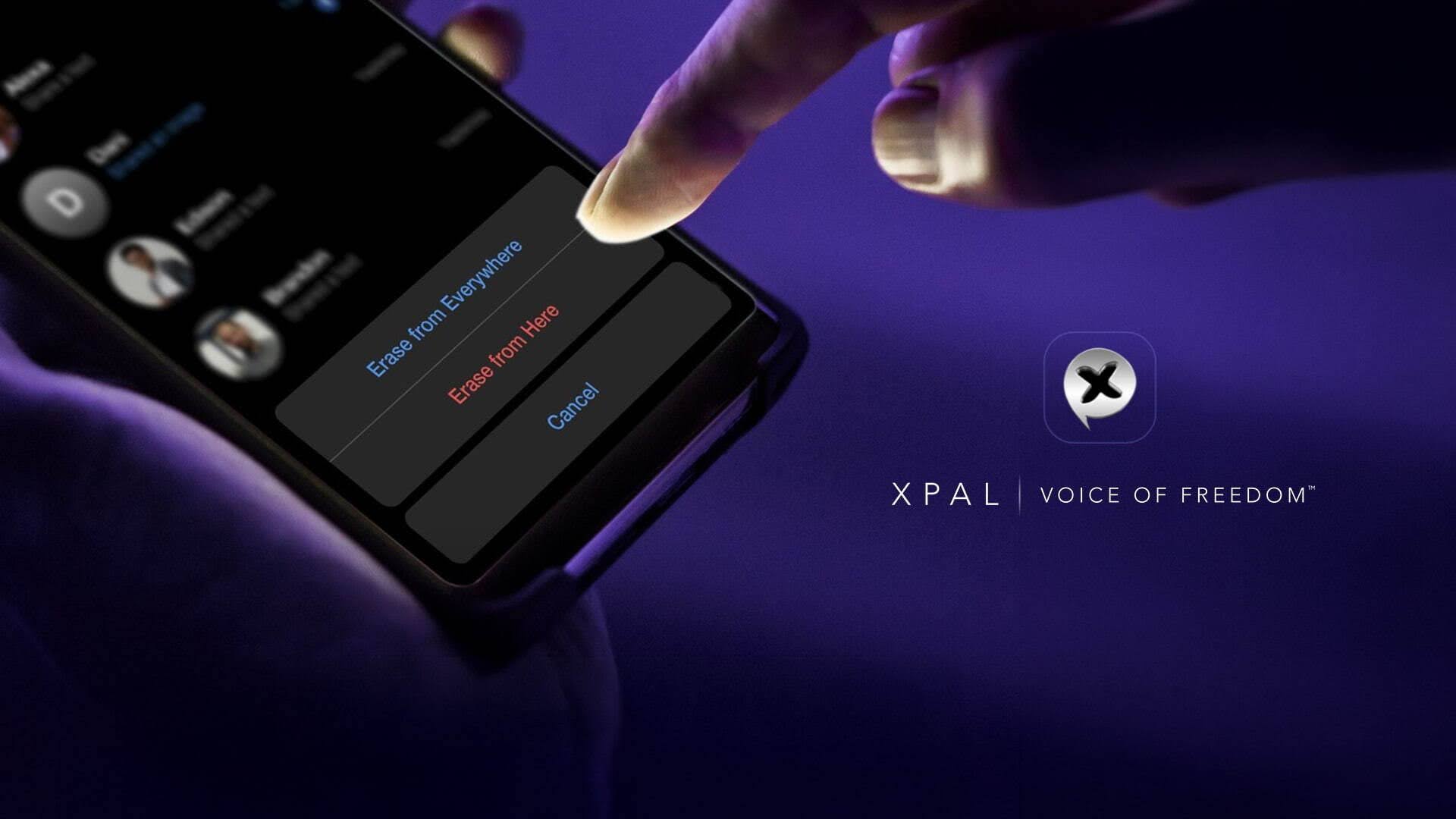
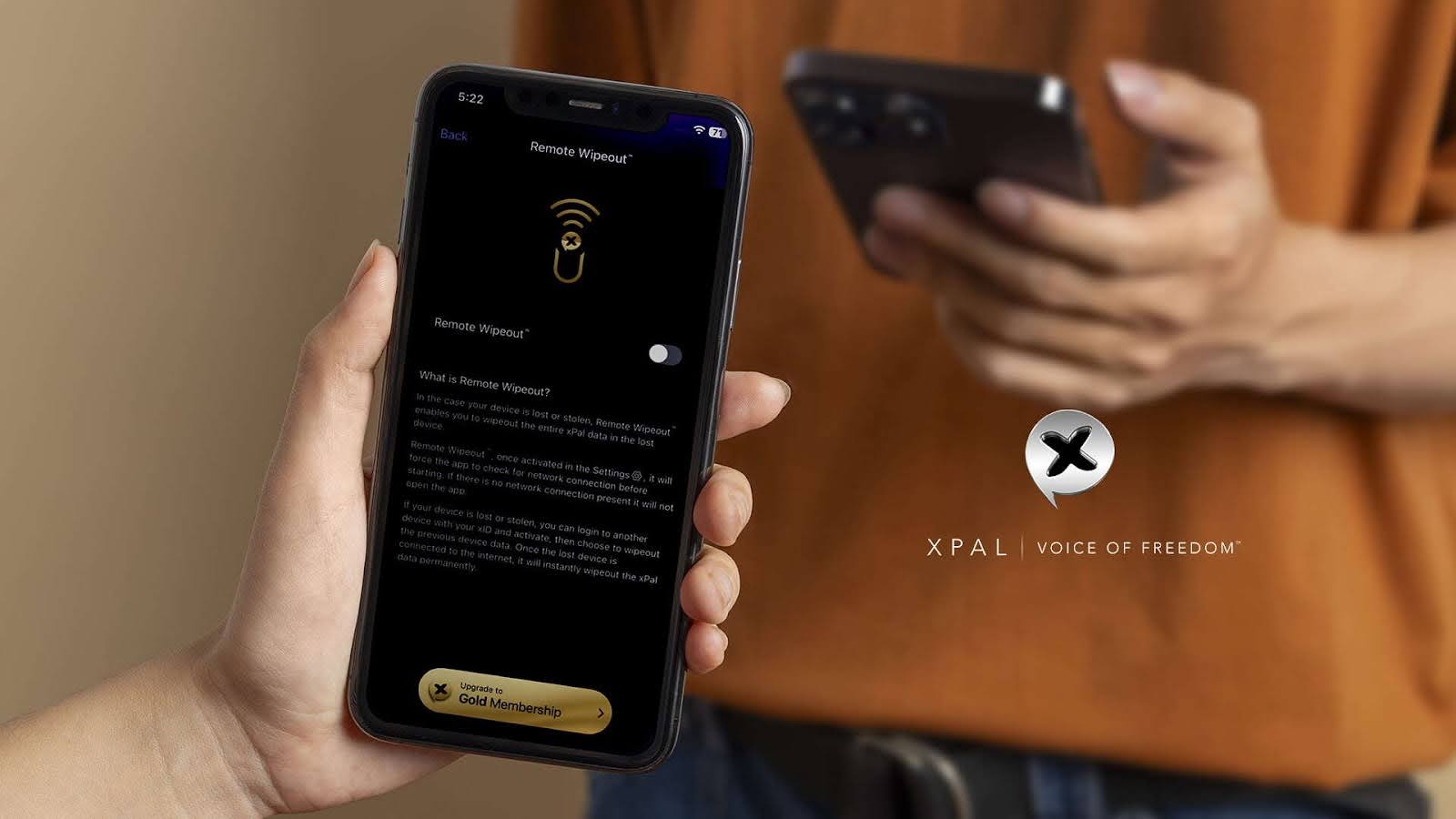
xPal anonymous messenger introduces Remote Wipeout™, a first-of-its-kind feature that enables users to remove all xPal data from a lost or stolen device, regardless of its location. This feature gives control back to the user instead of the device, making it easier to protect chatting app data and prevent others from accessing it.
How Remote Wipeout™ Works When a Device Is at Risk?
Remote Wipeout™ in xPal is designed to solve a major mobile security problem: keeping control of data even when a device is lost or compromised. It lets users remotely erase their xPal chatting app data so that sensitive messages and information cannot be accessed by others.
How Remote Wipeout™ Works
- Activation: Users turn on Remote Wipeout™ in xPal’s secure settings. The app requires verification before the feature becomes active.
- Command Trigger: If a device is lost or stolen, the user can log in from another device using their xID and send a wipe command.
- Execution: Once the lost device reconnects to the internet, it automatically carries out the command and removes all xPal data.
- Irreversibility: The wipe is intended to be irreversible on that device; data removed this way is not recoverable through xPal.
Remote Wipeout™ is designed to be simple to activate and reliable in critical situations, helping users quickly secure their data when needed.
How to Enable Remote Wipeout™
If the app is not installed and logged in with you, then
- Install and Log in
Use your xID credentials to finish the login process after downloading the xPal Ultra Secure Messenger app. - Go to Settings
Go to the Settings menu in the application after logging in. - Locate Remote Wipeout™
In the security settings area, scroll down to locate the Remote Wipeout option. - Turn on the feature.
Choose the option for Remote Wipeout™. “Are you sure you want to enable this?” is the confirmation window that will show up. - Verify and Examine
Verify your choice. To make sure you completely understand the results of activation, a brief message outlining the functionality is also there.
Furthermore, before a wipe is performed, End-to-End Encryption (E2EE) makes sure that all data is unavailable.
Remote Wipeout™ depends on the device being able to reconnect to the internet and receive the command. If the phone is in airplane mode, switched off, or interrupted during the process, the wipe will complete once it comes back online. xPal makes these conditions clear so users know exactly how it works.
The Importance of Mobile Privacy
With features like Remote Wipeout™, xPal is designed for people who need a higher level of security in their daily communication. It focuses on reducing risk and ensuring that sensitive information stays protected, even in difficult situations.
Smartphones as Central Data Storage Devices
Smartphones hold far more personal and professional data than traditional desktop systems. If a device is lost or stolen, it can put a wide range of private information at risk, from personal photos and login details to work communications.
Furthermore, there are evolving threats to device security.
- Misplacement and Theft: Phones can easily be lost or stolen in everyday situations.
- Attacks on Data Extraction: In some cases, attackers may use advanced tools to access stored data.
- Force or Pressure: In risky situations, users may be forced to unlock their devices.
- Offline Risk: Even without internet access, stored data can still be exposed if the device is compromised.
Comparison of Secure Messaging Systems
| Dimension | Conventional Messengers | xPal Ultra Secure Messenger |
|---|---|---|
| Remote Deletion | Device-level, unreliable | Remote Wipeout™: irreversible, xID-controlled |
| Safety in Forced Access Situations | None | Decoy PIN: plausible deniability |
| Offline Attack Defense | Stored data accessible | Offline-Lock™: no offline access |
| User Identity | Phone number bound | xID: anonymous, number-free identity |
| Encryption Model | Often metadata-exposed | End-to-end encryption with minimized metadata exposure |
Complementary Security Features in xPal
Decoy PIN: Privacy in Sensitive Situations
In some situations, users may need to unlock their phone under pressure. Encryption alone is not always enough in these cases.
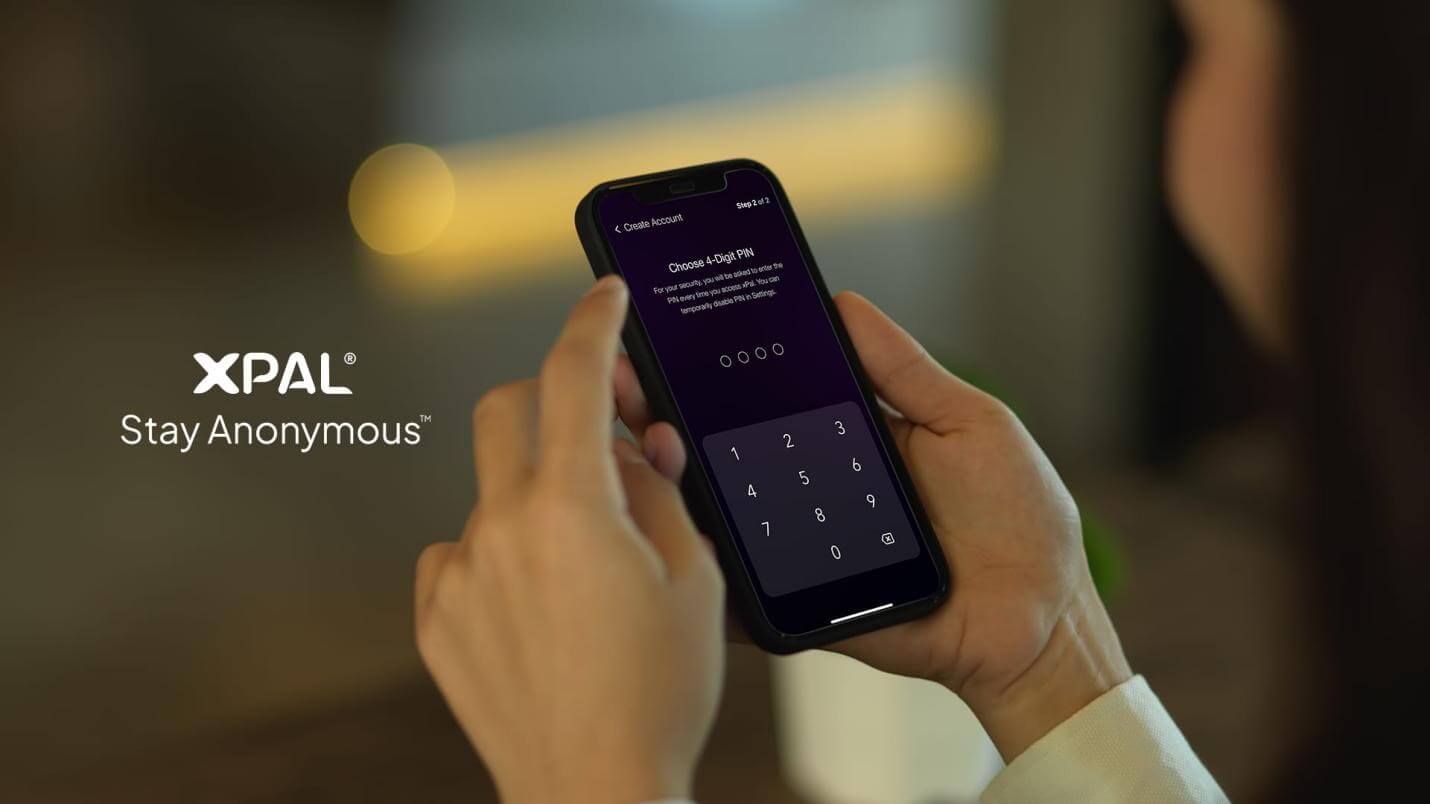
Users can build a false unlock environment with a Decoy PIN. The Decoy PIN allows users to open a secondary, limited version of the app. When entered, it shows a safe interface without real contacts or conversations.
Users set up a secondary four-digit Decoy PIN. When it is used, the app opens a limited version that looks normal but does not show real data. Only the primary PIN can unlock full access to the account.
Offline-Lock™: Protection Against Offline Access
Offline-Lock™ helps protect chats in situations where a device is not connected to the internet.
Secure messaging systems can sometimes be exposed when a device is offline. Offline-Lock™ reduces this risk by limiting access when the device cannot verify the user online.
- No offline viewing: Chats cannot be accessed without an active connection.
- Capture Prevention: Screenshot or recording attempts are either blocked or reported.
- Works with other features: Offline-Lock™ works alongside Decoy PIN and Remote Wipeout™ to improve overall account protection.
FAQs
1. Can I delete data from a lost phone remotely?
Yes. If your phone with the xPal chatting app is lost or stolen, you can use Remote Wipeout™ to remove your xPal data from it. You log in on another device using your xID and send the wipe command. Once the lost phone reconnects to the internet, the data is permanently deleted from the app, helping protect your private messages and information.
2. Does remote wipe work if my phone is offline?
The wipe will execute once the device reconnects to the internet.
3. Does Remote Wipeout™ delete everything on my phone?
No, Remote Wipeout™ only removes xPal-related data from the device. It does not erase photos, apps, or other personal files stored on the phone. It is designed specifically to protect your messaging data inside the xPal chatting app while leaving the rest of your device unchanged.
4. Can I delete xPal data from another device?
Yes, Remote Wipeout™ allows you to erase your data remotely.
5. Can someone stop a remote wipe once it starts?
No, once the Remote Wipeout™ command is received and execution begins on the device, it cannot be stopped or reversed. This is designed to ensure that sensitive data is fully removed without interruption. The goal is to prevent any chance of recovery once the wipe process has started.
6. How long does it take to wipe data remotely?
It depends on when the device comes online and processes the command.
7. Do I need the stolen phone to be on for Remote Wipeout™ to work?
Yes, the device must reconnect to the internet to receive the command.
8. Does remote wipe work if my phone is offline?
Remote Wipeout cannot execute instantly if the phone is offline, in airplane mode, or switched off. However, the command is stored and will activate as soon as the device reconnects to the internet. This ensures that even if the phone is not reachable at first, the data can still be protected once it comes back online.
9. Can I use Remote Wipeout™ from another country?
Yes, you can trigger it from any device with your xID login.
10. What happens to my messages after Remote Wipeout™?
All xPal app data on the device is deleted.
11. Can hackers recover data after Remote Wipeout™?
Once the wipe is completed, the data is designed to be permanently removed.
12. Can I test Remote Wipeout™ safely?
Yes, but it is recommended only on test accounts or devices.