xPal Total Wipeout™ and Remote Wipeout™ Security Features
xPal Security Features Total Wipeout™ and Remote Wipeout™ are built on a secure, reliable communication architecture that delivers not only a smooth messaging experience but also absolute user control over their data.
Privacy is not a checkbox; it comes with great responsibility. It becomes diluted and weak the moment it lacks user control and threat-handling options. The real control is not the ability to communicate smoothly; it is sovereignty over what happens to your communication once it exists in messengers.
Nonetheless, encryption, a fundamental component of digital communication networks, does not secure communication in worst-case scenarios.
Messages, call logs, voice notes, media files, and contact lists are stored on devices, and encryption alone can't protect against all privacy threats.
Encryption protects messages while they travel between devices. Encrypted at the sender's end and decrypted at the receiver's end.
But once those messages are received, they remain stored on the phone devices. That can also create a different problem, as the device itself becomes the risk.
Phones can get lost or stolen. It might be a user stuck in situations where phones get inspected by people who should never see what is inside them. There may be more worst-case scenarios, and users need to hurry rather than standing there and removing everything one by one.
When that happens, encryption no longer solves the problem because its job has already been done. If your phone is stolen, you are in a worse situation. The last thing you want is someone scrolling through your messages.
Introducing Total Wipeout™ and Remote Wipeout™
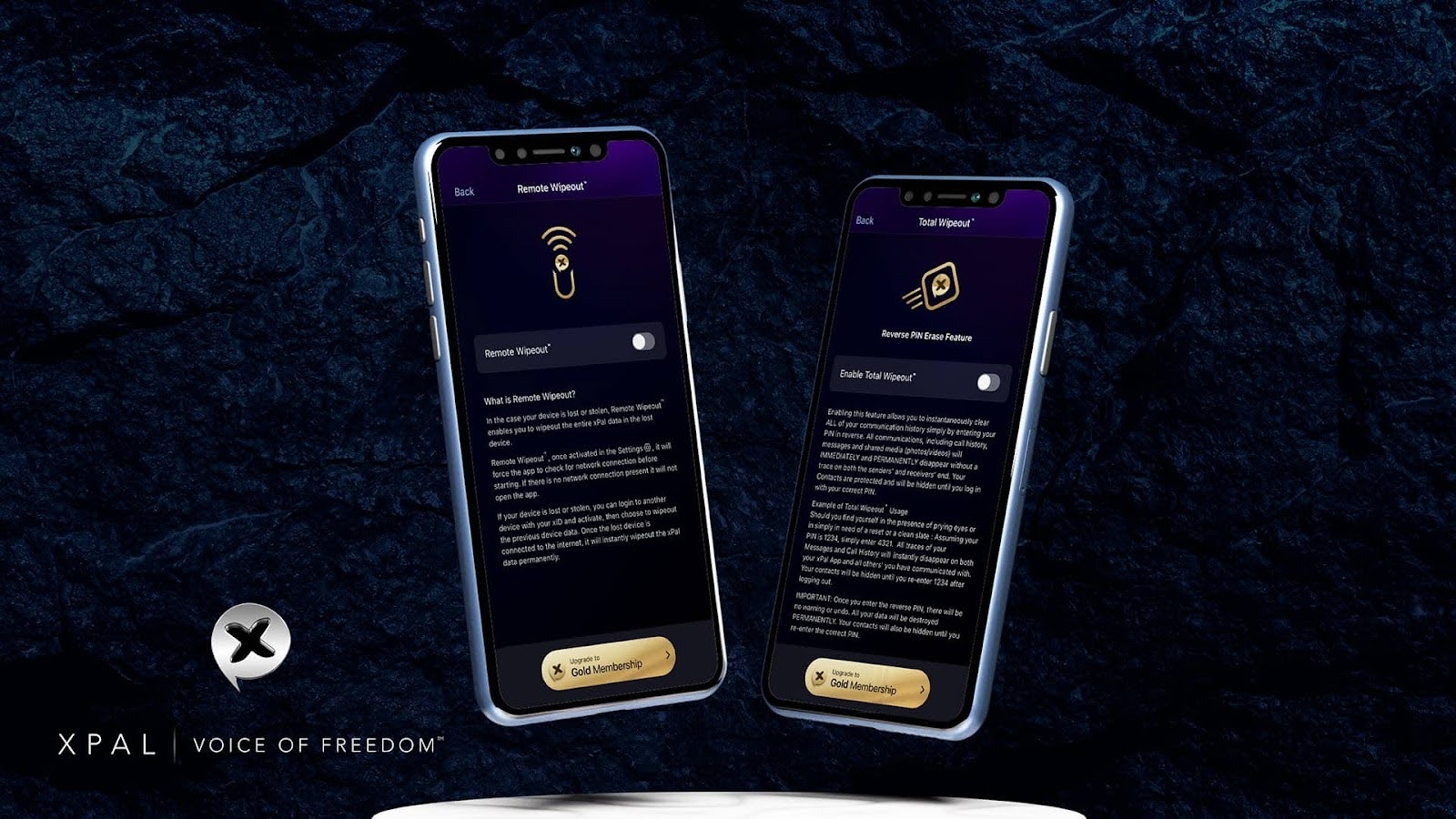
The two security features in the xPal messenger app are designed for situations where keeping the communication history is no longer safe, and the best option is to remove it entirely.
The hide or archive options also don't work because they can be navigated by an intruder.
Thus, Total Wipeout™ and Remote Wipeout™ are perfect because they erase all immediately!
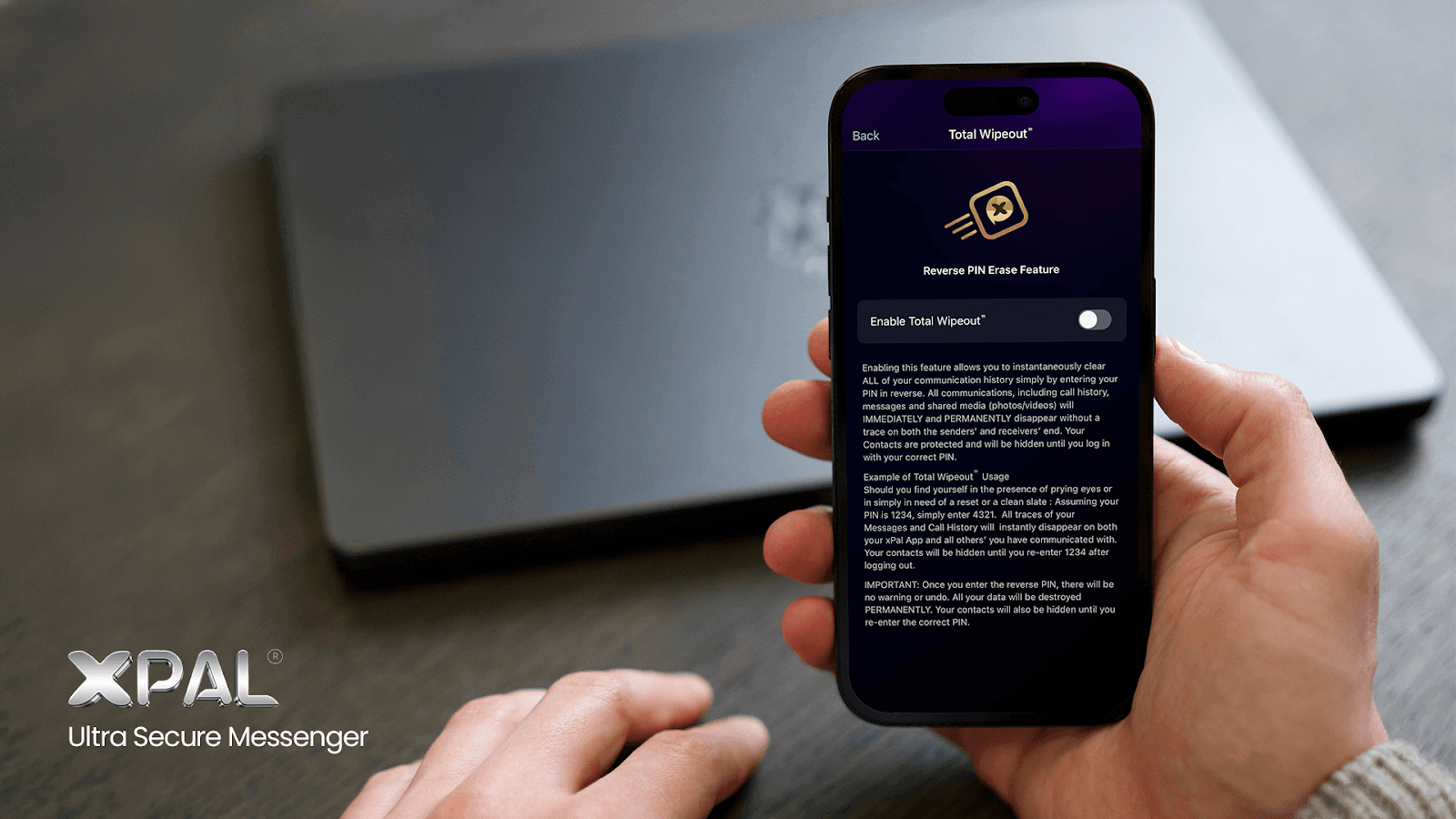
Total Wipeout™: Reverse PIN Security That Deletes Your Entire Communication History
Total Wipeout™ is one of the most distinctive security mechanisms built into the xPal secure messaging app.
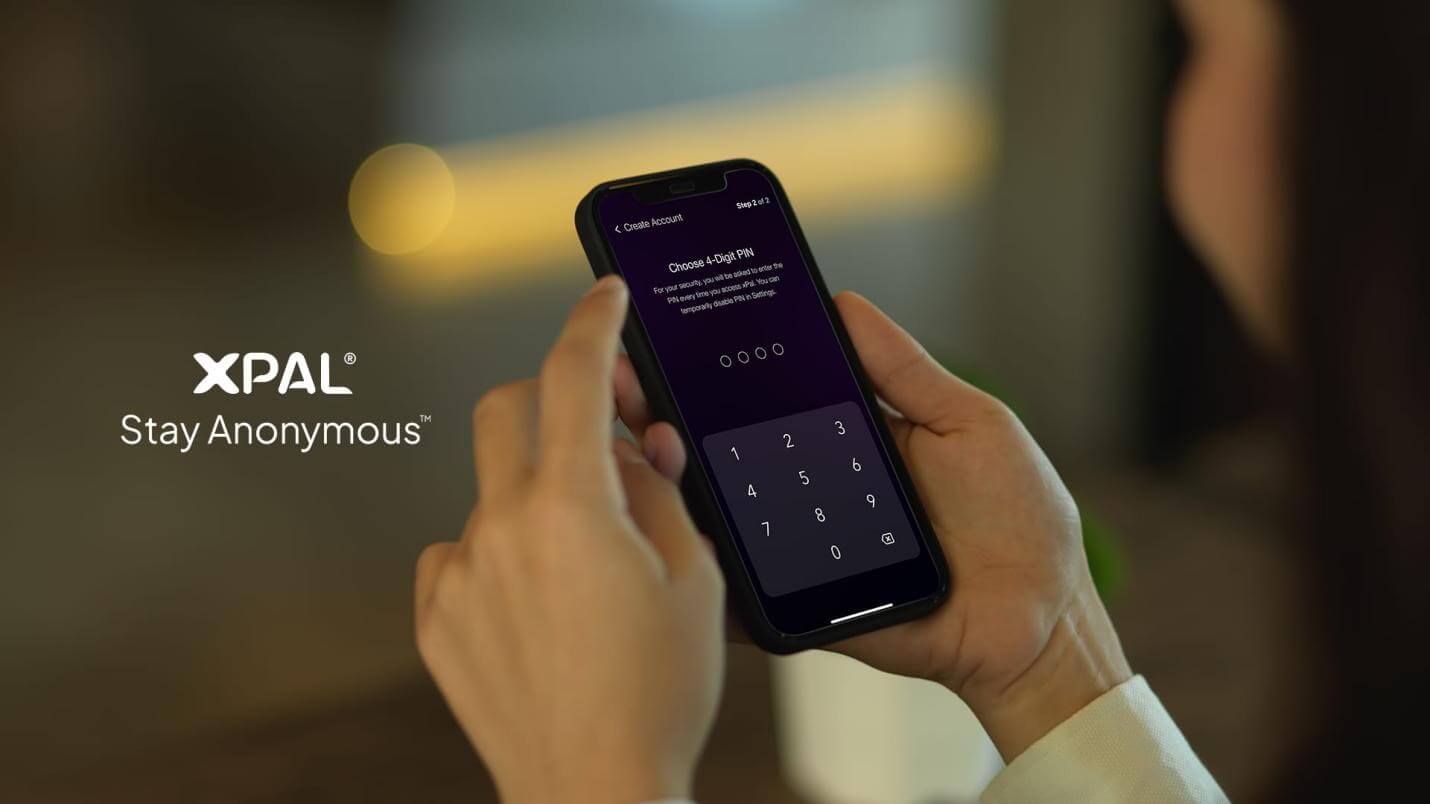
This patent-approved xPal technology secures communication in barely seen ways. Instead of requiring a complex emergency setting or hidden command, it uses something simple that every user already knows: their login PIN.
But as a second function of reverse order, so there is no confusion.
The point is that, as always, security and privacy remain xPal's highest priority, but with a user-centric approach. User experience is of utmost importance as well.
Therefore, entering the PIN in reverse order activates Total Wipeout™. Let's understand with an example:
- If your PIN is 1234, entering 4321 triggers the wipe.
The moment the reverse PIN is entered, xPal begins permanently deleting your communication history, including:
- All chat messages
- Call history
- Photos and videos shared in conversations
- Media files exchanged in chats
- Message threads stored on your device
Everything that ever existed would be removed as if it had never been there before. The most amazing thing about this feature is that it works across devices, and the deletion does not stop with your phone.
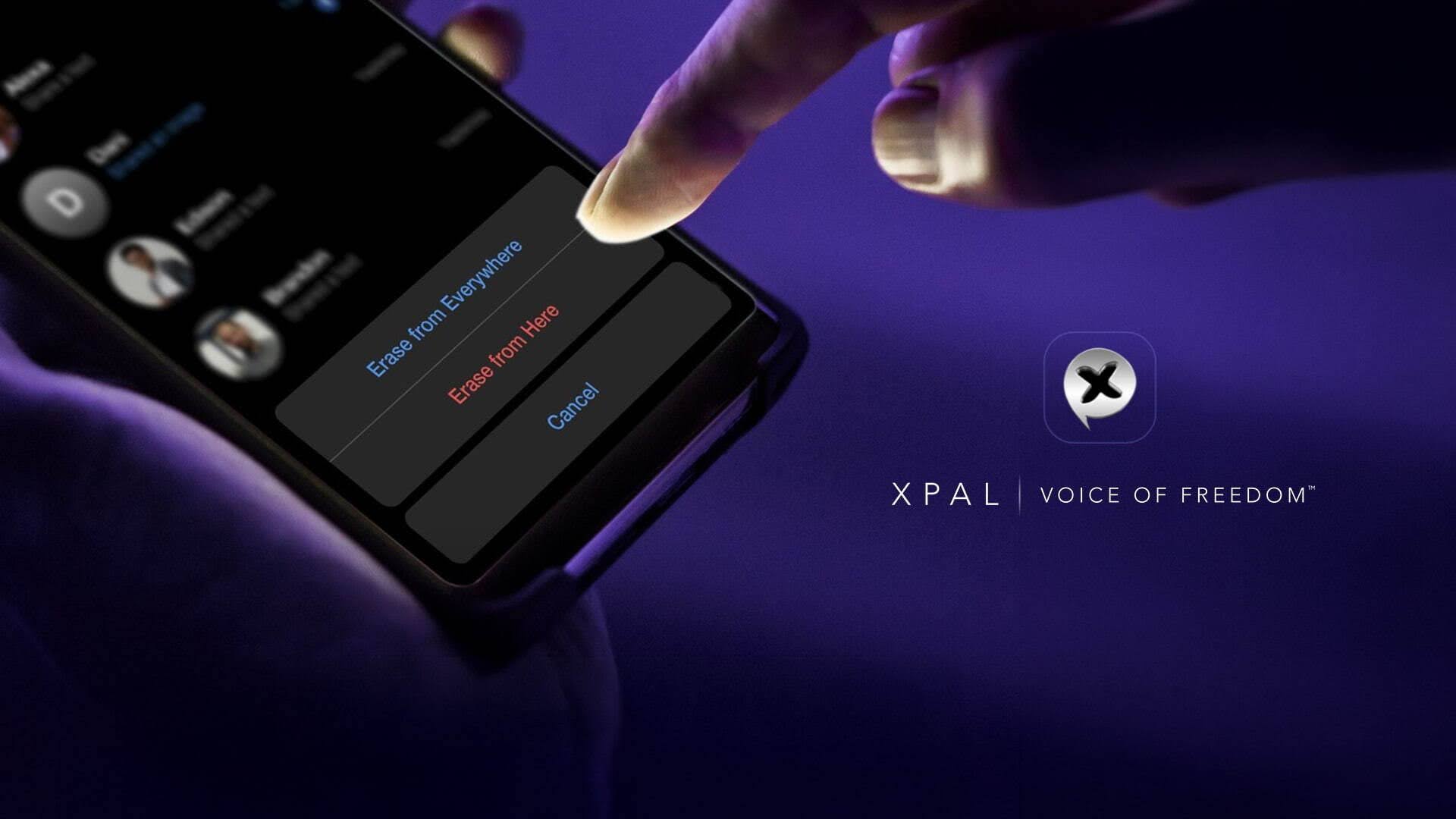
Conversations users had through the xPal Messenger app are also removed from the devices of the people they were communicating with. Their replies to users also disappear, regardless of how long ago they were done. The shared record of that conversation is erased from both sides.
Furthermore, there is no confirmation screen or undo option, as this design is intentional and Total Wipeout™ is intended for situations where immediate action is required; otherwise, sensitive communication could be exposed.
This feature is not only private but also user-friendly.
The reverse PIN is entered → the wipe begins immediately → data is destroyed on that device within seconds.
What Happens to User Contacts?
During a Total Wipeout™, communication history is deleted, but contacts are handled differently. Instead of removing them, the xPal messenger app masks and hides the contact list completely but temporarily.
Anyone accessing the device after the wipe will not be able to see who you communicate with, how many contacts you have, or your network of connections.
Simply, there would be nothing to see, like a reset.
The contacts remain protected inside the account but invisible on the device. Once you log in with your correct PIN, the contact list becomes visible. This way, users' connections are preserved as well.
Remote Wipeout™: Erasing Data from a Lost or Stolen Device
xPal private chat messenger gives users greater control; xPal can't control the whole world. Remote Wipeout™ is one of the most advanced security capabilities in xPal, designed to protect your communications when your device is lost, stolen, or compromised, and when others can access data.
Remote Wipeout™ is for a situation when a user's phone is no longer in their hands, because once a phone is gone, the real concern is not just the missing device, but the information still sitting inside it; private, sensitive, and maybe intimate.
Conversations, call logs, shared photos, contacts, and files can suddenly become accessible to someone who should never have access to them.
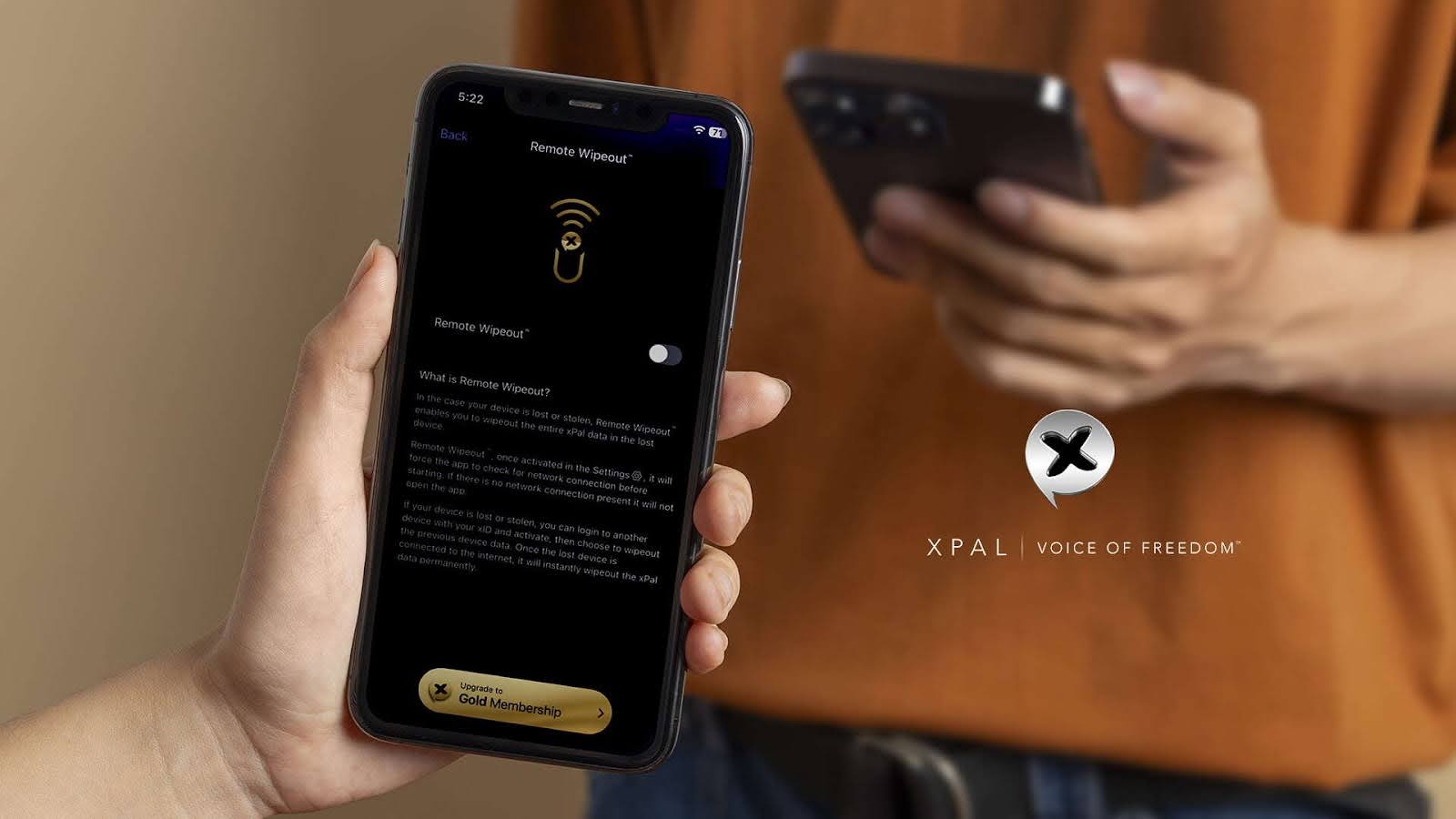
Remote Wipeout™ lets you erase your xPal data from a lost or stolen device.
- You can log in to your xPal account from another device using your xID
- From there, select the option to wipe the data from the lost phone
- The moment that the device reconnects to the internet, the command is received, and the application permanently deletes all stored xPal data, including messages, call logs, shared photos and videos, and stored communication history
Within seconds, the messaging data on that device disappears.
Even if someone has physical possession of the phone, the conversations will no longer exist.
Nevertheless, xPal is not just riding the tide; its focus has always been on privacy, anonymity, and security with control. The importance of message deletion in secure messaging apps is one of the many aspects of ensuring complete privacy.
Total Wipeout™ and Remote Wipeout™ are therefore Security Features for less common security threat scenarios.
Instead of assuming the device stays private, xPal allows users to delete their communication history from supported clients, leaving as little behind.
Sometimes security means encrypting information, and sometimes the safest option is to ensure that information no longer exists.
With Total Wipeout™ and Remote Wipeout™, users remain in control of their conversations even after they have been sent to many.
FAQs
1. Can I delete my messages if my phone is lost or stolen?
Yes. Using Remote Wipeout™, you can log in from another device with your xID and send a wipe command. When the lost phone connects to the internet, the xPal data will be erased.
2. Why does the xPal messenger app use a reverse PIN for Total Wipeout™?
Because in urgent situations, you may not have time to open settings or delete chats manually. Entering your PIN in reverse clears everything instantly.
3. When would someone use Total Wipeout™?
It is designed for moments when you need to remove conversations immediately. Some users also use it when they want to completely reset their message history.
4. What is the difference between Total and Remote Wipeout™?
Total Wipeout™ clears your chats while the device is still with you. Remote Wipeout™ lets you erase data from a device that is lost or no longer in your control.
5. Is encryption alone enough for secure messaging?
Encryption protects messages while they travel between users. But if someone gets access to the phone itself, stored messages can still be exposed.
6. What happens if these features are not enabled?
If they are not set up beforehand, the wipe features cannot be triggered later. In that case, the conversations remain on the devices.