xPal: Encrypted Messaging App with Privacy-Focused Patent Technology
xPal encrypted messaging app is structured exactly on this fundamental. Digital privacy is non-negotiable; thus, users cannot rely on a model where access and work require personal information.
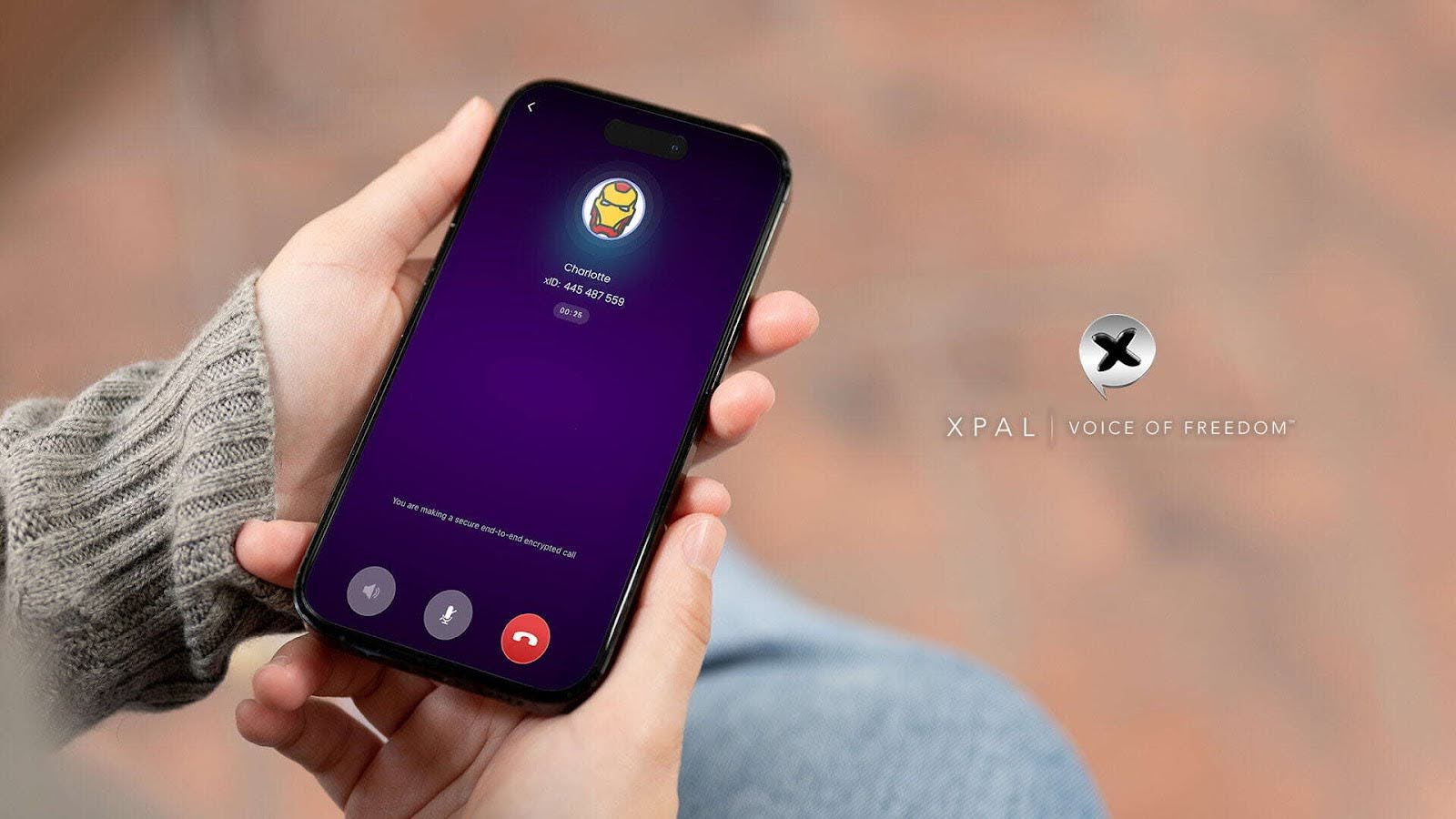
Privacy-focused messaging is not a set of features or instant chats with end-to-end encryption listed in the app description. It is an easy-to-use, anonymous architecture with no personal data requirements, advanced privacy features, absolute user control, and no third-party or server-based interference.
Boundaries are formed ahead of any potential threats in xPal, given the lack of a data collection model. If data is minimized to zero, there is no need to protect it.
What are the vulnerabilities with modern Secure Communication?
At the core, Privacy-focused messaging operates to provide effective services to its users, and many do this incredibly well. However, just smooth message transfer with encryption alone is not the solution. The services help users enjoy messaging, calls, or voice notes, but don't address the point of greater control and privacy
Many encrypted messaging apps,
- Ask for email and phone numbers
- Save Metadata
- Don't remove hidden data from media shared
- Don't have emergency features
This contradiction does not mean messages are not encrypted; it threatens the identification and the user's privacy.
The system must not be identity-based; it should reduce exposure or leakage of data at every stage.
Here are xPal Privacy-focused messaging features and built-in controls
Whether it is registration of an app, advanced privacy features, control of users, or matters of membership, xPal is transparent, quick to respond, and easily accessible to its users because privacy is built in.
Here are the security features xPal private messenger has incorporated into its system;
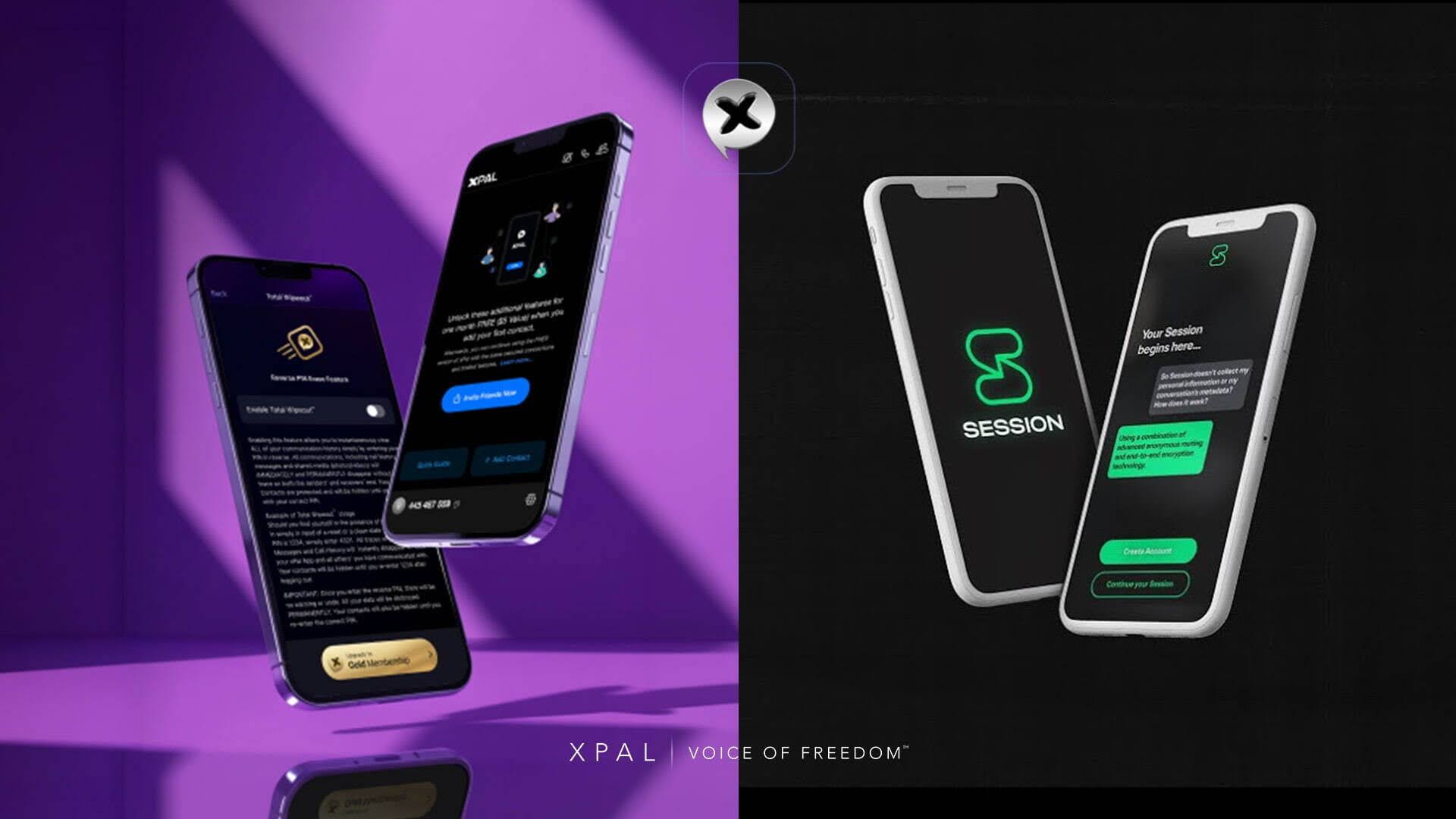
Total Wipeout™ with Reverse PIN
This is a one-step security feature in the digital infrastructure of xPal.
It allows users to instantly and irreversibly clear all of their communication history simply by entering their PIN in reverse.
Let's say;
- Your PIN: 1234
- Reverse PIN entered: 4321
- Result: complete data deletion across all endpoints
All Secure Communications, including call history, messages, and shared media (photos/videos), will disappear without leaving a trace on both the senders' and receivers' ends.
Your Contacts are protected and will be hidden until you log in with your correct PIN.
Most importantly, once the user enters the reverse PIN for Total Wipeout™, there will be no warning, recovery, or undo.
Remote Wipeout™
When Secure Communication privacy needs to extend beyond the normal situation, Remote Wipeout™ supports no dependence on physical device access. xPal private messenger has enabled activating this feature by logging in on another device and allowing users to delete all xPal end-to-end encrypted data from a missing or stolen device as soon as it connects to the internet.
Without external phone networks or parties, this secure feature does its work, and the xPal secure communication system handles it.
It removes the conversation from supported, connected xPal clients.
Account Recovery
xPal encrypted messaging app introduces an intelligent recovery way to address the vulnerabilities that come when emails, phone numbers, or identity verification are asked for or compromised.
Users can securely recover accounts using:
- A security phrase
- A custom security question
xPal allows recovery without external-party or scattered user data.
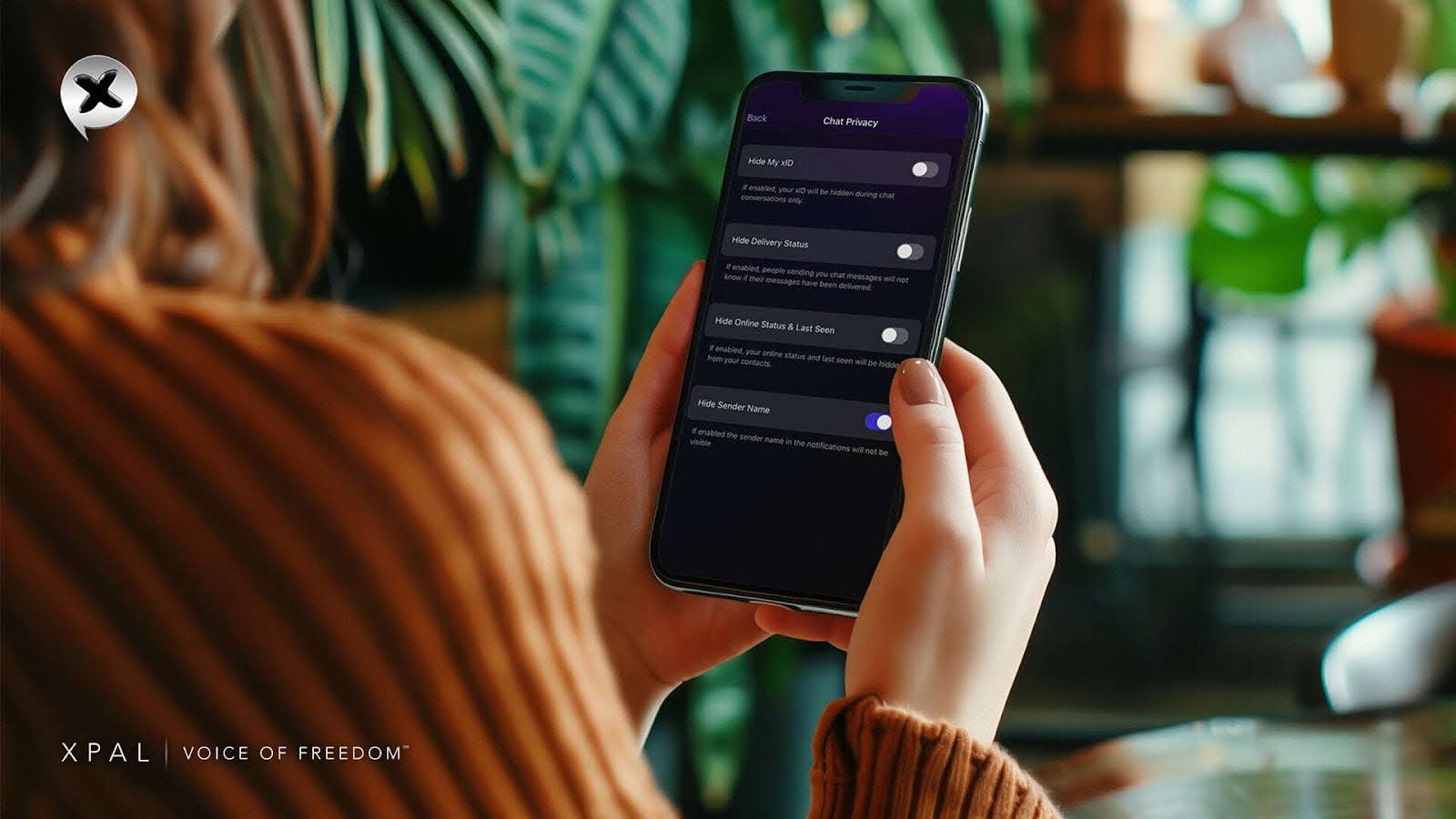
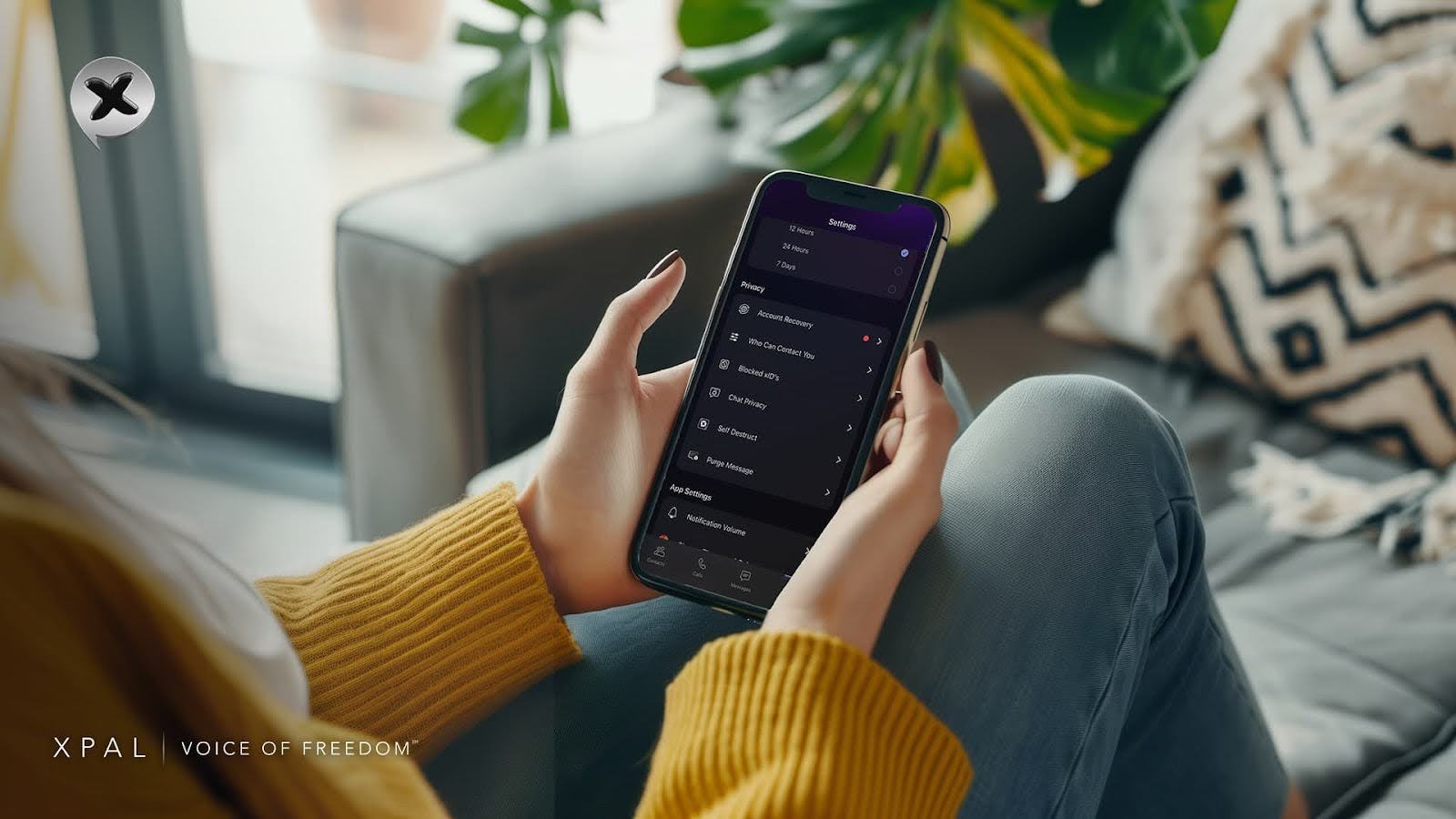
Chat Privacy
With xPal private messenger, users can control what should be known and what should be limited without breaking the smooth communication flow.
Thus, the user can;
- Hide their xID during conversations
- Disable message delivery confirmations
- Hide online status and last seen
- Hide sender names when needed
How to enable Chat Privacy:
Open the xPal private messenger
- Navigate to Settings
- Select Chat Privacy
- Enable or disable features based on preference
Photo & Video Sanitizer™
This built-in privacy measure is for secure media sharing.
Images and videos often contain hidden metadata: location data, device details, timestamps, and internal identifiers. Most users unknowingly share this information.
Before any media is encrypted and sent through xPal, Photo & Video Sanitizer™ automatically removes embedded metadata. This process is xPal's own Sanitizer™
Decoy PIN
xPal encrypted messaging app repeatedly works on privacy challenges across a variety of circumstances and works to add privacy-enriching features in the app.
Therefore, the Decoy PIN is to boost user privacy and Secure Communication in critical situations. The Decoy PIN is a workable way to safeguard your sensitive information when you might be forced to unlock your data privacy app.
There appears hidden mode with a Decoy PIN to protect the information that the user doesn't want to be available to others.
- Set up a special Decoy PIN (another 4-digit code).
- When you enter the Decoy PIN, the private messenger opens in a hidden mode, shielding all your conversations and contacts.
What Happens in Hidden Mode?
- No one can see your real data; it's all concealed.
- To switch back to the normal app view, just enter your regular PIN.
Offline-Lock™:
xPal provides ultimate Secure Communication protection with this feature.
- Offline-Lock is a powerful encrypted messaging feature that prevents your chats from being accessed offline. This means: No offline viewing, and your conversations remain invisible unless the user is online.
- No screenshots or recordings can be taken without the user being notified. This feature is a protection against anyone attempting to capture your chat without your knowledge.
- Nonetheless, xPal facilitates Secure Communication of complete user terms and control. It is a secure messaging platform with advanced built-in features and patent-approved technologies.
- Users can enjoy Privacy-focused messaging with a highly secure, end-to-end encrypted, and advanced security-based environment.
FAQs
Does the xPal encrypted messaging app work offline?
You cannot send messages offline, but Offline Lock ensures no one can access your local chats.
When should I use Terminate™ instead of Total Wipeout™?
Use Terminate™ when you want to erase one specific Secure Communication, not your entire history.
What if someone doesn't open the message after Flicker™ mode is activated?
The timer starts after it is viewed, not when sent.
Can I change the timer after sending?
No. The duration must be set before sending.
Is Flicker™ safe for confidential photos in xPal private messenger?
Yes. Once the timer ends, the media is removed from supported clients.
Do I need to manually remove metadata?
No. It happens automatically before encryption.
Does stripping metadata reduce image quality?
No. Quality stays intact; only hidden data is removed.
When would I realistically need a Decoy PIN?
When you are forced to unlock your phone but don't want your real data exposed.
Can I customize what appears in Decoy mode?
No. It just hides everything completely.
What should I do first if my phone is stolen?
Log in to xPal from another device and activate Remote Wipeout immediately.
Can someone hack my account through recovery questions?
Only if they know your exact custom answer.
Why would I need an Access ID?
In case you forget your xID, but still need to log in to xPal private messenger.
Is Access ID visible to others?
No. It is private and used only for login recovery.