Private Messaging App Comparison: The Best Secure Messengers for Android and iPhone in 2026
Your messaging app might know more about you than you think. It could link your phone number to your real name, scan your contacts, save copies of your chats, or show when and how often you chat. Even though many apps have privacy tools, they don’t all keep your data safe the same way.
If you send personal, financial, work, or private messages through your phone, it’s really important to pick a secure app.
A good private messaging app should keep your messages safe, not collect extra information, and let you decide who can message you.
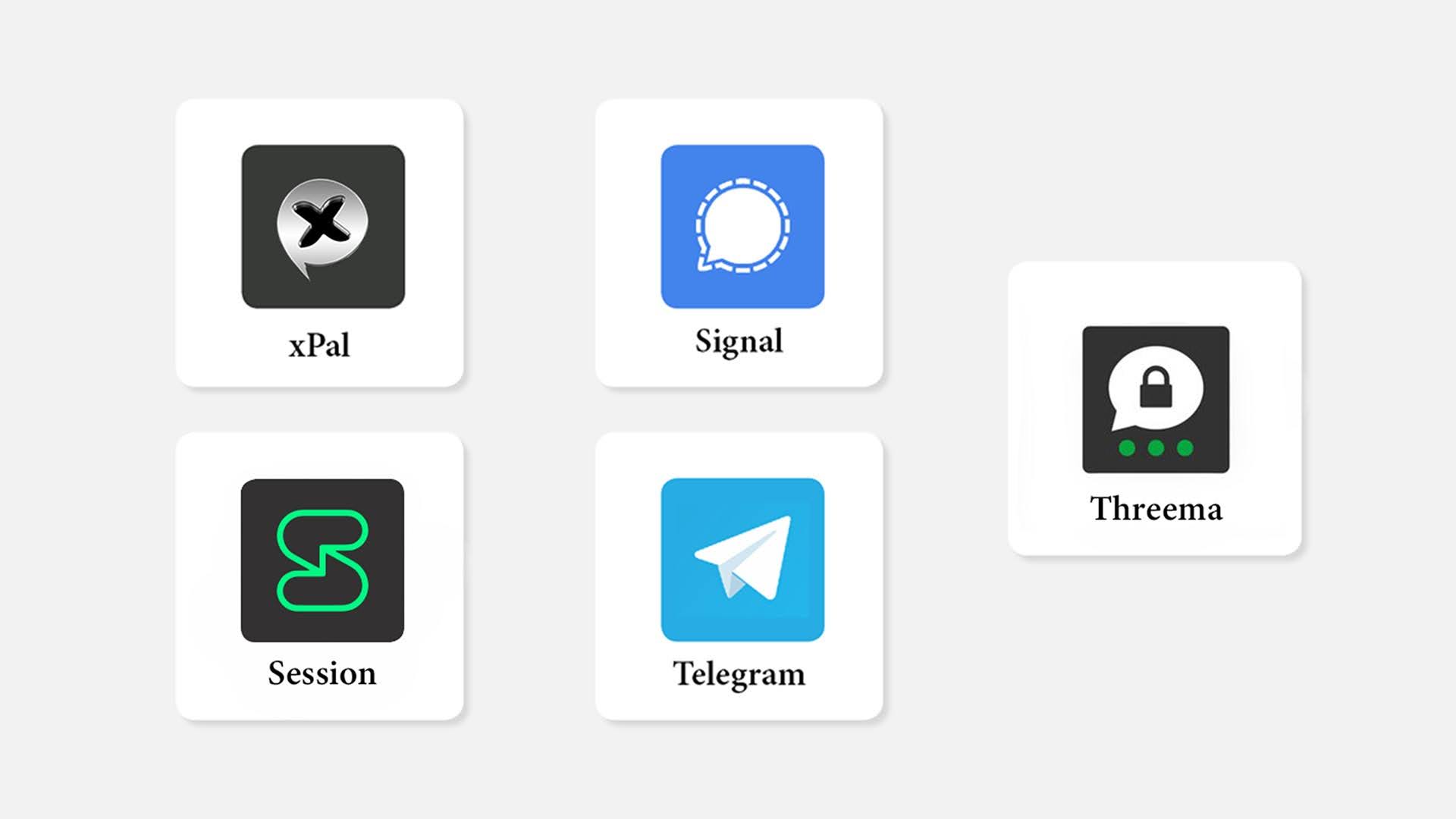
In this guide, we’ll compare some popular secure messaging apps for Android and iPhone, like Signal, WhatsApp, Telegram, iMessage, Session, and xPal.
We’ll look at things like encryption, how they verify your identity, privacy tools, call features, group chats, and ease of use.
The best app for you depends on what you care about most.
Some people like having a big network of contacts. Others want more anonymity, private calls, or an app that doesn’t need a phone number.
What Makes a Messaging App Secure?
Before comparing apps, it helps to understand the features that matter most.
End-to-end encryption
End-to-end encryption keeps the message safe as it moves from one device to another. In an ideal situation, only the person who sent the message and the person meant to receive it can read it. But encryption by itself doesn’t tell you how much extra information the app might be collecting, or if your backups are also kept secure in the same way.
Minimal data collection
A privacy-focused app should collect as little information as possible. Phone numbers, email addresses, contact lists, locations, device details, and usage patterns can all create privacy risks if stored or exposed.
Secure voice and video calls
A truly secure messaging app needs to keep calls just as secure as text messages. Voice and video chats can share very private information, so making sure calls are secure is important for overall privacy.
Private group communication
Group chats need careful management of who can see what. When someone new joins, they shouldn’t get all the old messages from the start. Also, when someone leaves, they shouldn’t still have access to new messages or conversations that happen later.
Account privacy
Some apps ask for a phone number to make an account. Others let you use a username, a special code, or a unique number instead. If keeping your identity private is important, the app shouldn’t make you link your real name to every chat or conversation.
Secure Messaging Apps Compared
This comparison is based on information that is publicly available about the products and current security details. Keep in mind that features can change over time, so it’s important to check each app’s official privacy policy and the latest app store description before making your final choice.
| App | Android | iPhone | End-to-end encryption | Phone number required | Best suited for |
|---|---|---|---|---|---|
| Signal | Yes | Yes | On by default for messages and calls | Generally yes | Privacy-focused everyday communication |
| Yes | Yes | On by default for personal chats and calls | Yes | Large global contact network | |
| Telegram | Yes | Yes | Not enabled by default for regular cloud chats | Yes | Large groups and channels |
| iMessage | No | Yes | Strong protection within Apple messaging | Apple account or phone number | Apple users |
| Session | Yes | Yes | Encrypted messaging with no phone number requirement | No | Users seeking greater anonymity |
| xPal | Check current store availability | Check current store availability | End-to-end encrypted messaging and calls | No phone number required | Private messaging, calls, and identity separation |
xPal
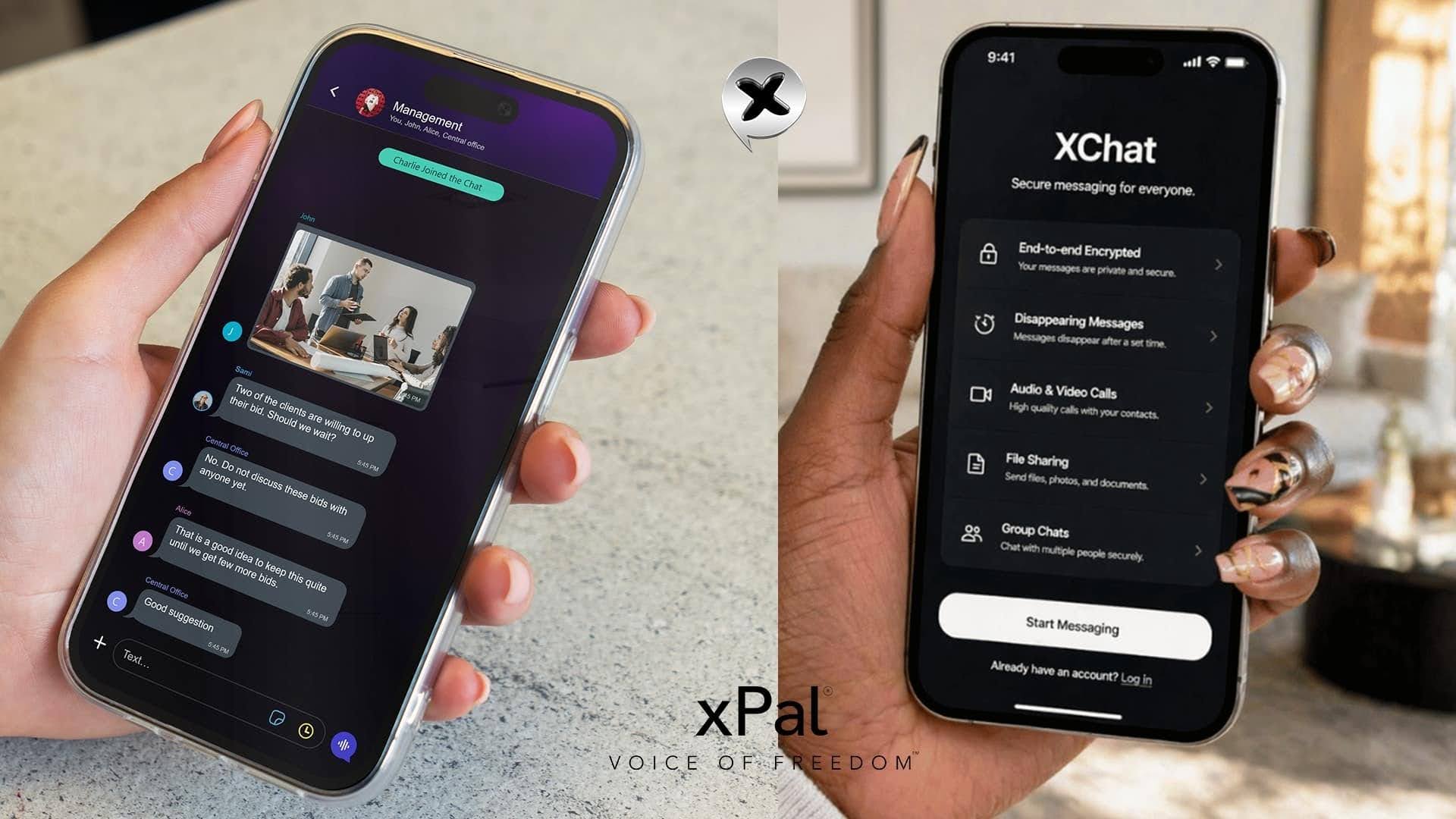
xPal is a communication tool that focuses on keeping your privacy. It lets you sign up without needing a phone number, email, SIM card, contact list, or personal information. Instead, you get a special nine-digit code called an xID to use for chatting and making calls.
The app also offers fully secure audio and video calls, private group chats, messages that disappear after being read, and ways to hide metadata when sharing files or media.
If you’re looking for a secure messaging app that doesn’t link your phone number to your chats, xPal is a different choice compared to regular apps.
It has certifications like NIST CAVP validation, independent DEKRA security checks, Google CASA/MASA approval, and follows OWASP security guidelines.
Like any security service, it’s important to look at the certifications, privacy info, and app updates before using it for very important conversations.
Choose xPal if:
- You’re looking for a secure messaging and calling app.
- You like using a unique xID instead of a phone number.
- You want all your messages, audio, and video calls to be encrypted.
- You need private group chats and the ability to set messages to disappear.
- You want a platform that focuses on privacy and offers extra privacy tools.
Features to Check Before Downloading
When looking at private messaging apps, don’t just check if they use encryption. Instead, ask these questions:
- Is encryption turned on automatically?
- Are calls protected just like messages?
- Do you need a phone number or email to sign up?
- Does the app have access to your contacts?
- Are backups kept secure with encryption?
- Can group members see old messages?
- Can you delete extra info from shared photos?
- Does the company share security details?
- Has the app been tested by experts?
- Are privacy settings easy to understand?
These questions help you see real privacy features, not just what the app says in ads.
Why Anonymous Communication Matters
A phone number is more than just a way to get a verification code. It can link your conversations to your name, job, where you are, your social media, and other public information.
That’s why an anonymous chat app can be helpful for people who want to keep their personal identity separate from their online chats.
Being anonymous doesn’t mean people should break the rules or use the service wrongly. It means users should have more control over what personal info they share.
xPal’s xID system is built on this idea.
According to the company’s website, users can chat using a special nine-digit number without giving out their phone number, email, SIM card, contact list, or personal details.
For those who need a secure messaging app that protects their identity, this can make a big difference.
The Bottom Line
Signal is still a great choice for Android and iPhone users who want secure messaging and calls with a familiar interface. WhatsApp is good for sending messages and calls across the world, while Telegram is good for big groups and channels. iMessage works well if you’re using Apple devices, and Session is for people who like to sign up without using their phone number.
xPal focuses on privacy by using encrypted messages and calls, along with xID-based sign-up, group chats, messages that disappear, and protection for media details.
The best app for you depends on what matters most.
If being easy to use is your top priority, pick an app that your friends and family already use. But if you care more about keeping your identity private, making secure calls, and limiting how much personal data you share, you should look closely at different apps and consider one that’s made for those specific needs.
The best messaging app isn’t the one with the most features.
It’s the one that gives you the right level of security for the conversations you actually have.