xPal Desktop — Secure Communication built for Modern Teams
Welcome to xPal Desktop, a secure communication platform for modern teams, designed to support private communication at scale while keeping collaboration simple and controlled. The focus is on giving organizations a stable and trusted workspace for internal messaging without relying on surveillance-based systems or unnecessary complexity.
Building on that, workplace conversations used to disappear naturally before tech entered professional lives, which meant the team communication apps.
Today, a huge portion of that communication lives inside chat platforms and cloud services instead. Messages that feel casual in the moment often end up stored for years on systems managed outside the organization itself.
What makes this more complicated is that access and identity are usually tied to personal accounts, phone numbers, or services that continue to exist long after someone changes teams or leaves a company entirely. Work chats that feel temporary often end up being stored and treated as long-term company records.
So how does xPal for team communication address this?
In xPal Desktop, workplace communication stays within the workplace, and teams are aware that conversations don't live forever, who can access them, and what happens to that access over time.
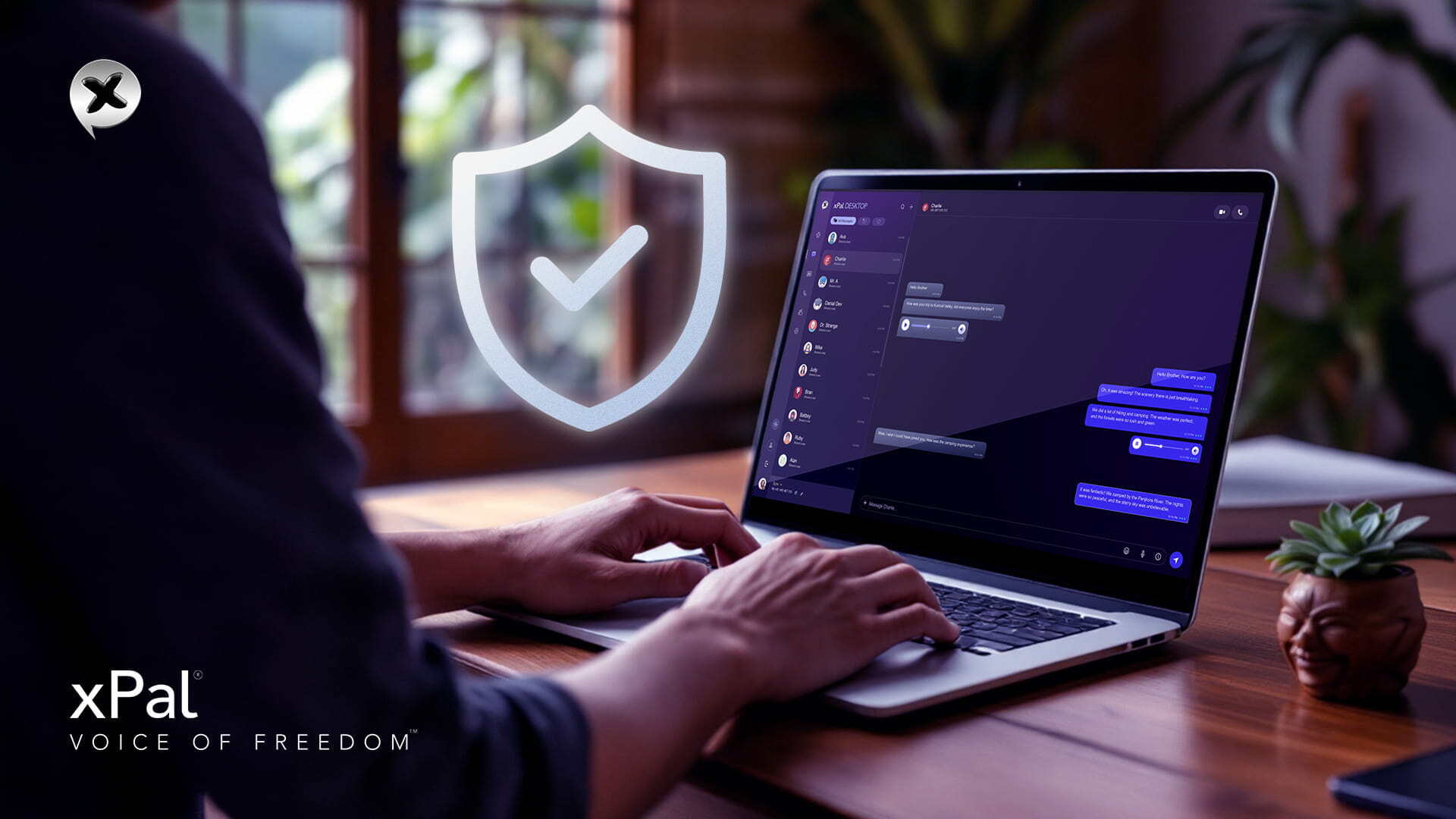
xPal Desktop is much more usable for day-to-day team communication.
Why is the xPal Desktop built this way?
The xPal for team communication case is not complicated once you understand the structural difference.
Instead of relying on personal phone numbers, communication happens through xIDs, a unique 9-digit identifier tied to nothing personal.
A team can assign an xID to an employee, rotate access when responsibilities change, or terminate it entirely when someone leaves. Conversations do not stay permanent anywhere.
This distinction matters long before encryption or security claims, because it determines who owns the communication layer and how communication is managed.
With the launch of xPal Desktop, that model becomes more practical for everyday team use while maintaining the same privacy approach.
What does xPal deliver for secure communication for business?
| Feature | Free Plan | Gold Plan |
|---|---|---|
| End-to-end encrypted messaging | Unlimited | Unlimited |
| Encrypted audio calls | Unlimited | Unlimited |
| Encrypted video calls | 30 mins | Unlimited |
| Group size | 50 members | 100 members |
| Desktop app access | ✓ | ✓ |
| Terminate™ (wipe both sides) | — | ✓ |
| Total Wipeout™ reverse PIN | — | ✓ |
| HD uncompressed media | — | ✓ |
| Flicker™ disappearing messages | ✓ | ✓ |
| Photo & Video Sanitizer™ | ✓ | ✓ |
Encryption and security remain consistent across free and Gold plans. Gold only expands usage limits and operational capacity.
xPal for Business: A Different Approach to Workplace Communication Systems
xPal for Business is designed for teams that need communication to stay organized and manageable as roles and personnel change over time.
It can be used across different types of organizations with similar operational requirements.
Across all these settings, what matters most is not having more features, but having a system that continues to work reliably over time.
How does identity work in xPal Desktop?
Instead of relying on personal phone numbers, xPal provides xIDs that can be organization-managed identities.
An xID is a 9-digit identifier that can be assigned to a team member inside an organization. It is separate from personal numbers and does not depend on external contact systems.
As roles change, xIDs can be reassigned or terminated without changing the organization’s communication structure.
Group Communication
Group chats support up to 100 members on the Gold plan.
In groups, users do not automatically share their xID with every participant. Identity is only visible when two people have added each other as contacts.
This helps keep group communication more private, especially in larger or mixed teams.
Media and File Handling
xPal for team communication supports documents, images, and video sharing within conversations.
Before media is transmitted, metadata is removed using a built-in sanitization process. This ensures that files shared inside conversations do not carry unintended embedded information from the originating device, such as device or location details.
Administrative Layer
xPal for Business can be employed as an administrative interface for managing communication at scale.
Administrators can:
- create and assign xIDs
- Reassign xIDs when roles change
- Deactivate xIDs when users leave
This can allow organizations to manage communication while still using xPal within their existing workflows.
What Changes When Work Moves to Desktop?
The xPal desktop app is not just a larger version of the mobile app. It changes how day-to-day work is done.
Phones work well for quick messages, but they become limiting when work requires focus across multiple things at once: reviewing shared documents while discussing them, joining video calls with full attention, managing several group threads, or writing longer responses.
The team communication app is designed to handle these situations more comfortably.
Connecting Phone and Desktop
xPal uses a simple pairing process to connect mobile and desktop.
You open the xPal desktop app, it shows a QR code, and you scan it with your phone. This links both devices instantly.
After pairing, messages and conversations stay synchronized across devices. Everything you send or receive appears on both mobile and desktop.
How It Changes Day-to-Day Work
On the xPal desktop, communication becomes easier to manage.
You can read more context at once, respond more comfortably, and switch between conversations without constantly changing screens or applications.
It doesn’t change the nature of secure communication for business; it reduces the friction around handling it during work.
Built for an International Workforce
xPal team communication app is designed to work across regions without relying on country-specific identity systems. xID is not tied to phone numbers, SIM registration, or local numbering formats.
This allows teams in different countries to use the same xPal for team communication systems with a consistent experience across devices and locations.
In cases where organizations face payment or access constraints, support can be contacted for assistance with account access options. The same applies to journalists and media teams operating in restricted environments.
xPal Desktop is built to provide a consistent communication layer for teams, regardless of location or infrastructure differences.
FAQs
- Can my whole team use xPal on the desktop without any technical setup?
Yes. Each team member links their mobile account to their desktop via QR code. It takes under a minute and requires no IT configuration. - Does xPal require internet connectivity to function?
Yes. xPal requires an active internet connection to send and synchronize messages across devices. - Is xPal compliant with data privacy regulations like GDPR?
xPal does not collect, store, or process personal data beyond a screen name, xID, registration date, last login, operating system, and country. No personal identifiers are stored. - Can a competitor or third party intercept messages sent through xPal Desktop?
No. AES-GCM encryption with ECDH key exchange means only the sending and receiving devices can encrypt or decrypt messages. There is no point in the transmission where the content is readable to anyone else. - Does xPal Desktop depend on phone numbers or SIM cards?
No. xPal operates independently of phone numbers, SIM cards, or country-based identity systems. - Does xPal change encryption between plans?
No. Security and encryption remain consistent across all tiers. Higher plans focus on scale and management capacity, not different security levels. - Can we set up department-specific groups on xPal Desktop?
Yes. You can create multiple group chats with different member sets. Each group is independent, and membership is controlled by the group admin. - Does xPal Desktop work as a replacement for tools like Slack or Teams for sensitive communications?
For conversations requiring end-to-end encryption and minimized metadata collection, yes. xPal does not currently replicate task management or file storage integrations; it is focused on communication. For teams where communication security is the priority, it is the stronger choice. - Are video calls on the xPal Desktop app as secure as on mobile?
Yes. SRTP and DTLS encryption apply to all calls regardless of device. The call content is encrypted peer-to-peer, and the relay server, if used, cannot read the content. - Can we trial xPal for business before committing to Gold?
Yes. The free plan includes unlimited encrypted messaging and audio calls with full end-to-end encryption. You can evaluate the platform fully before deciding on an upgrade.