Ultra Secure Business Messenger: A Smarter Way to Secure Team Communication
No company wakes up thinking, “We need an ultra secure business messenger today.” That decision usually comes after a breach, a compliance failure, or internal data exposure, a data leak, or a loss of trust.
And, by then, the cost of insecure communication is already clear, and businesses bear the damage.
For modern businesses, a messenger app can be a part of the organization’s risk surface.
In team-based communication, privacy breaks down quickly:
- Access to sensitive conversations expands beyond the original participants
- Every message is linked to a real-world identity inside the organization
- Even without message content, interaction data reveals internal structures, decision flows, and operational intelligence.
Furthermore, integration and enterprise management features do not eliminate risk.
Even the most widely used business messaging platforms still expose critical layers, including user identity, communication patterns, and administrative access points. This creates a clear divide for organizations.
Stay with traditional collaboration tools like Slack or Microsoft Teams, where control comes with visibility, or move toward privacy-first platforms like xPal, where communication is designed to leave as little behind as possible.
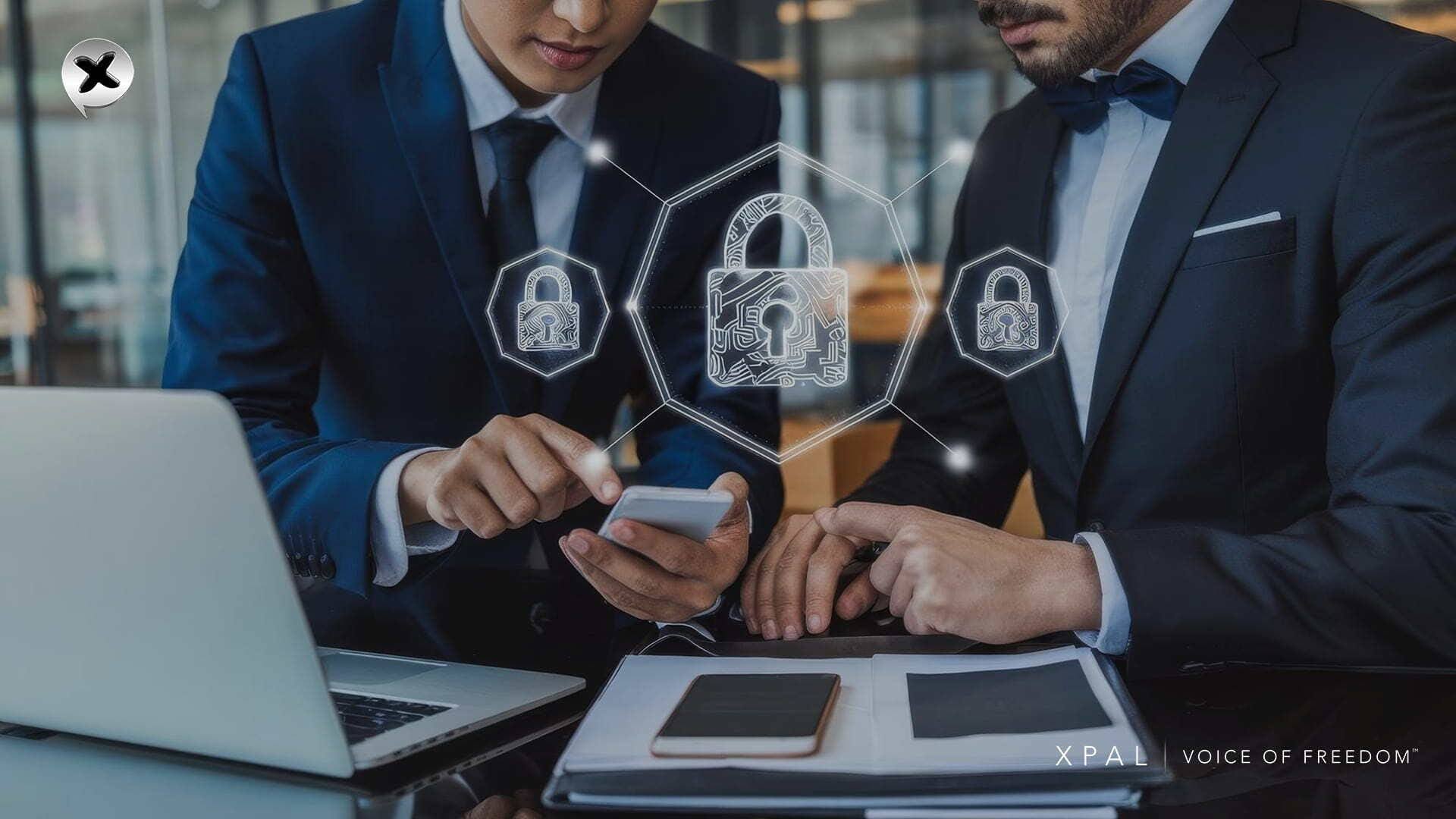
What Companies Look for in an Ultra Secure Business Messenger?
When evaluating an ultra secure messenger for business, the Executives look into the following key evaluation criteria:
- Identity and Account Model: How are users identified and authenticated (email, phone, or anonymous IDs)? What information is collected at signup?
- Encryption Model: Is communication end-to-end encrypted by default? What protocols are used? How is encryption at rest handled?
- Metadata Handling: Does the End-to-end encrypted business messenger avoid logging who talks to whom, when, or how often? Does it minimize stored metadata?
- Administrative Controls: What enterprise features exist (SSO, provisioning, group management, audits)? Can IT manage users/devices?
- Compliance & Certifications: Which security standards or certifications does the platform hold (ISO 27001, FedRAMP, SOC2, etc.)?
- Deployment Options: Can it run in the cloud, private cloud, or on-premises? How does it scale?
- Message Lifecycle Control: Does the messenger app allow admins/users to delete or destroy messages from all endpoints? Are there ephemeral modes?
- Device Risk control measure: How does the system handle lost or stolen devices?
- Integrations: Does ultra secure business messenger support bots, third-party apps, or federated messaging with other networks?
- Cost Model: What is the licensing model (open source, subscription, freemium, etc.)?
1. Identity & Account Model
| Platform | User Identity Model | Data Collected at Signup | Simple Meaning | Business Benefit |
|---|---|---|---|---|
| xPal | xID (no phone/email required) | Minimal setup data | No real identity needed | Reduces identity exposure, lowers data breach risk, protects workforce privacy |
| Wire | Email / SSO identity | Business directory data | Company email required | Centralized employee management |
| Signal | Phone number | Phone required | Your phone is your ID | Not ideal for enterprise identity control |
| Microsoft Teams | Azure AD identity | Full corporate identity | Linked to the company account | Strong enterprise governance |
| Slack | Email-based workspace | Workspace identity data | Company email required | Easy onboarding for teams |
2. Encryption Model
| Platform | Encryption Type | Key Protection | Simple Meaning | Business Benefit |
|---|---|---|---|---|
| xPal | End-to-end (default) | Device-based keys | Only the sender & receiver can read | Prevents internal/external data leaks |
| Wire | End-to-end (MLS) | Device keys | Fully encrypted messages | Secure team collaboration |
| Signal | End-to-end | Strong cryptography | Very private chats | High confidentiality, limited enterprise control |
| Microsoft Teams | In transit + at rest | Cloud-managed keys | Protected but not fully private | Compliance-focused communication |
| Slack | In transit + at rest | Cloud keys | Secure storage | Productivity over privacy |
3. Metadata Handling
| Platform | Metadata Visibility | Simple Meaning | Business Benefit |
|---|---|---|---|
| xPal | No contact-book syncing or discovery; metadata collection and retention minimized | No communication mapping | Reduces surveillance risk & insider threat exposure |
| Wire | Low metadata | Limited tracking | Balanced security for enterprises |
| Signal | Very low metadata | Almost no tracking | Strong privacy but limited admin insight |
| Microsoft Teams | High metadata | Activity tracked | Full audit & compliance visibility |
| Slack | Workspace logs | Usage tracked | Team productivity analytics |
4. Administrative Controls
| Platform | Admin Control Level | Simple Meaning | Business Benefit |
|---|---|---|---|
| xPal | Lightweight admin | Limited control | Reduces over-surveillance, balances privacy + control |
| Wire | Full admin tools | IT-managed system | Strong enterprise governance |
| Signal | No admin tools | No business controls | Not suitable for structured enterprises |
| Microsoft Teams | Full governance | The company controls everything | Strong compliance + IT control |
| Slack | Strong admin system | Workspace control | Easy team management |
5. Compliance & Certifications
| Platform | Certifications & Standards | Simple Meaning | Business Benefit |
|---|---|---|---|
| xPal | Verified cryptography: NIST CAVP validated, DEKRA audited, App Defense/CASA. Aligns with OWASP secure dev. | Independently validated security | Reduces compliance risk, improves trust in audits |
| Wire | ISO 27001, FedRAMP | Enterprise certified | Meets global compliance standards |
| Signal | Open-source audited | Community trusted | Strong security reputation, no enterprise certification |
| Microsoft Teams | ISO/IEC 27001, 27018 certified (as part of Microsoft Cloud) | Fully certified | Works in regulated industries |
| Slack | SOC 2, ISO 27001/27017/27018, HIPAA, GDPR certifications | Standard compliance | Widely accepted in enterprises |
6. Deployment Options
| Platform | Hosting Model | Simple Meaning | Business Benefit |
|---|---|---|---|
| xPal | In the future, xPal Sephere will be implemented | Managed infrastructure | Consistent security across the organization |
| Wire | Flexible: Cloud, Private Cloud, or On-Premise | Flexible hosting | Enterprise infrastructure flexibility |
| Signal | Public cloud (Signal Inc servers), or open-source Signal Server (no official on-prem). | Fixed hosting | No enterprise customization |
| Microsoft Teams | Microsoft cloud | Central hosting | Reliable global scalability |
| Slack | Cloud only | SaaS model | Easy deployment |
7. Message Lifecycle Control
| Platform | Message Control Features | Simple Meaning | Business Benefit |
|---|---|---|---|
| xPal | Advanced controls: Total Wipeout™ deletes all chat history on both ends instantly; Terminate™ wipes entire conversation from all devices; Flicker™ self-destruct timers. Users have complete control over data retention. | Messages can be erased everywhere | Prevents data leaks and compliance exposure |
| Wire | Basic: Users can delete their own messages. Enterprise admin can enforce retention or deletion policies, but no guaranteed cross-device wipe. | Admin controls storage | Meets legal retention rules |
| Signal | Limited: Users can delete messages from their device; recipients see “Message Deleted”. No remote wipe. | User controls messages | Limited enterprise governance |
| Microsoft Teams | Admins set retention policies, eDiscovery holds, controlled deletion, and compliance archiving. Users can delete messages, but they often remain in history. | Everything stored | Full compliance recordkeeping |
| Slack | Retention rules, eDiscovery, export/erase via admins; EKM options. Users can delete, but data might persist per org policy. | Admin-controlled logs | Audit-ready communication history |
8. Device Risk Protection
| Platform | Protection Features | Simple Meaning | Business Benefit |
|---|---|---|---|
| xPal | Remote wipe, offline lock | Device protection tools | Prevents data leaks from lost devices |
| Wire | Device revocation | Disable access | IT security control |
| Signal | Re-registration | Device reset needed | Basic security recovery |
| Microsoft Teams | MDM integration | Device management | Full enterprise device control |
| Slack | Workspace device control | Admin-managed devices | Secures enterprise endpoints |
9. Integrations & Ecosystem
| Platform | Integration Support | Simple Meaning | Business Benefit |
|---|---|---|---|
| xPal | API and SDK will be developed in the future | Secure app ecosystem | Prevents risky third-party exposure |
| Wire | APIs & bots | Enterprise integrations | Connects to business systems |
| Signal | Limited | Few integrations | Security over productivity |
| Microsoft Teams | Deep ecosystem | Microsoft tools | Productivity at scale |
| Slack | Large app ecosystem | Many integrations | High flexibility |
10. Cost Model
| Platform | Pricing Structure | Simple Meaning | Business Benefit |
|---|---|---|---|
| xPal Messenger app | Subscription | Paid secure platform | Predictable enterprise security investment |
| Wire | Enterprise subscription | Paid business tool | Enterprise-grade secure communication |
| Signal | Free | No cost | No enterprise billing structure |
| Microsoft Teams | Bundled | Included in 365 | Cost-effective enterprise adoption |
| Slack | Freemium | Free + paid tiers | Scales with business needs |
FAQs
1. What makes xPal different from other secure apps?
Unlike most tools, xPal ultra secure business messenger combines encryption with identity abstraction (xID), reducing reliance on phone numbers or email-based identity.
2. Can companies control employee communication on xPal?
Yes, but in a privacy-balanced way. Admin tools exist without exposing unnecessary personal data.
3. What industries is xPal best for?
xPal is suitable for all industries, and especially those that require a secure business messenger, such as finance, legal, healthcare, and sensitive operations.
4. How is xPal different from Slack?
Slack focuses on productivity and integrations, while xPal private messenger focuses on privacy, encryption, and identity protection.
5. How is xPal different from Microsoft Teams?
Microsoft Teams is deeply integrated into enterprise ecosystems, while xPal ultra secure messenger for business prioritizes safe communication and reduced data exposure.
6. How is xPal different from Wire?
Wire and xPal both support secure communication, but xPal emphasizes identity abstraction and controlled enterprise privacy layers.
7. Why are certifications important for xPal?
They confirm that xPal’s security model has been tested and validated by independent third parties.
8. Is xPal compliant with enterprise security standards?
Yes. It is designed to align with global cybersecurity and secure development frameworks.
9. Does xPal secure business messenger support file sharing?
Yes. Files are encrypted and shared securely within the private messenger platform.
10. Can I use xPal on multiple devices?
Yes. xPal supports controlled multi-device access with security protections.
11. What happens if a device is lost?
xPal Android and iOS app allows remote lock and wipe features to prevent unauthorized access.
12. Why would a company use xPal?
To reduce communication risks, protect sensitive data, and improve control over business messaging.