Terminate™ Mode: How xPal Removes a Chat from Both Devices
Choosing to delete messages from your own device does not delete the copy held by its recipient. When we talk about privacy, it means users should have absolute control over their conversations. Removing them or keeping them should also be in their hands. Keeping part does not need much attention, as it is somehow under user control. But the deletion part comes with certain limitations, either by time or just on the user’s device. But the conversation details exist on multiple devices, so deletion this way does not guarantee complete control.
End-to-end encryption protects message confidentiality in a private texting app, but it does not, by itself, give the sender control over what happens to a message after delivery.
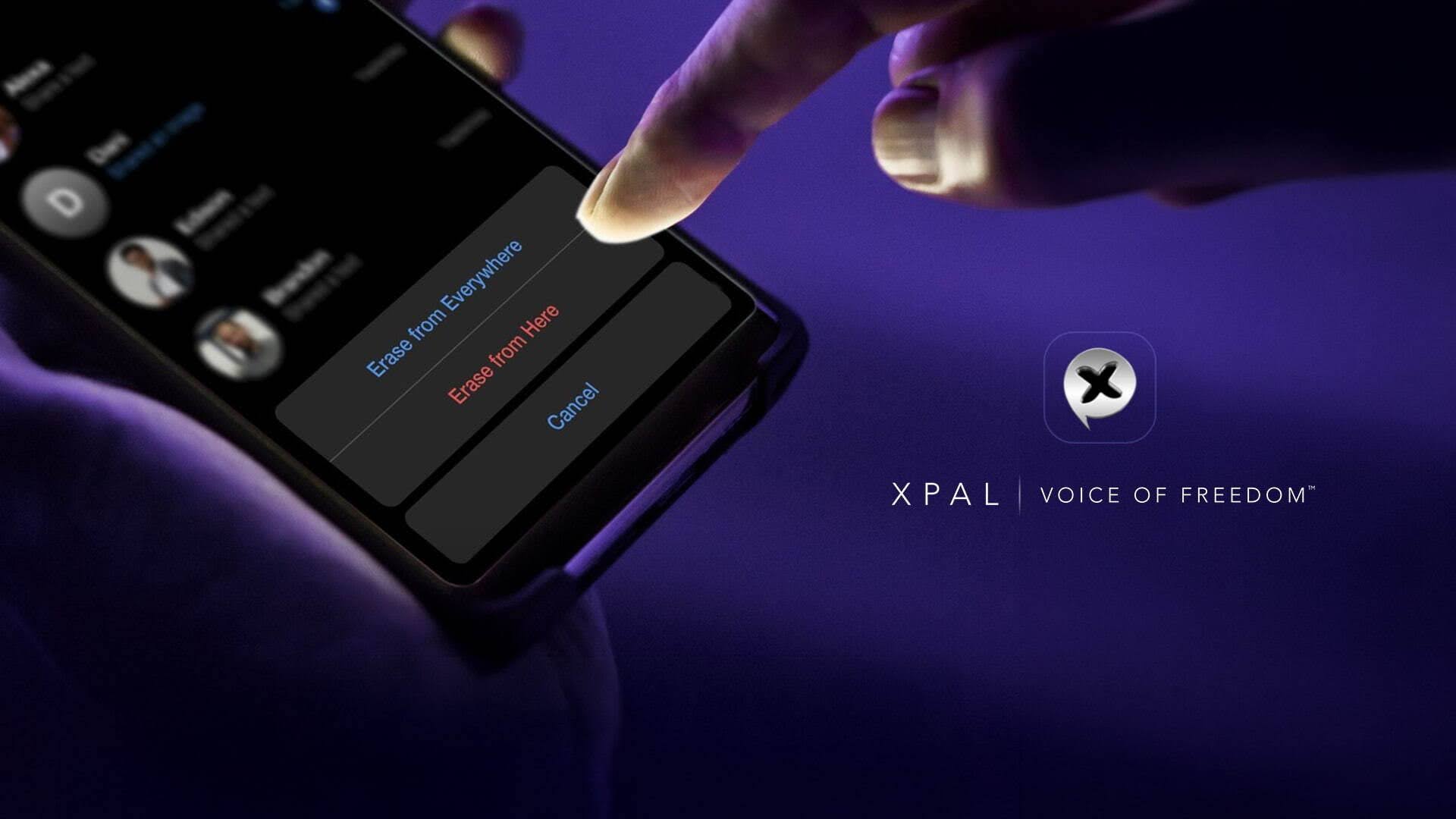
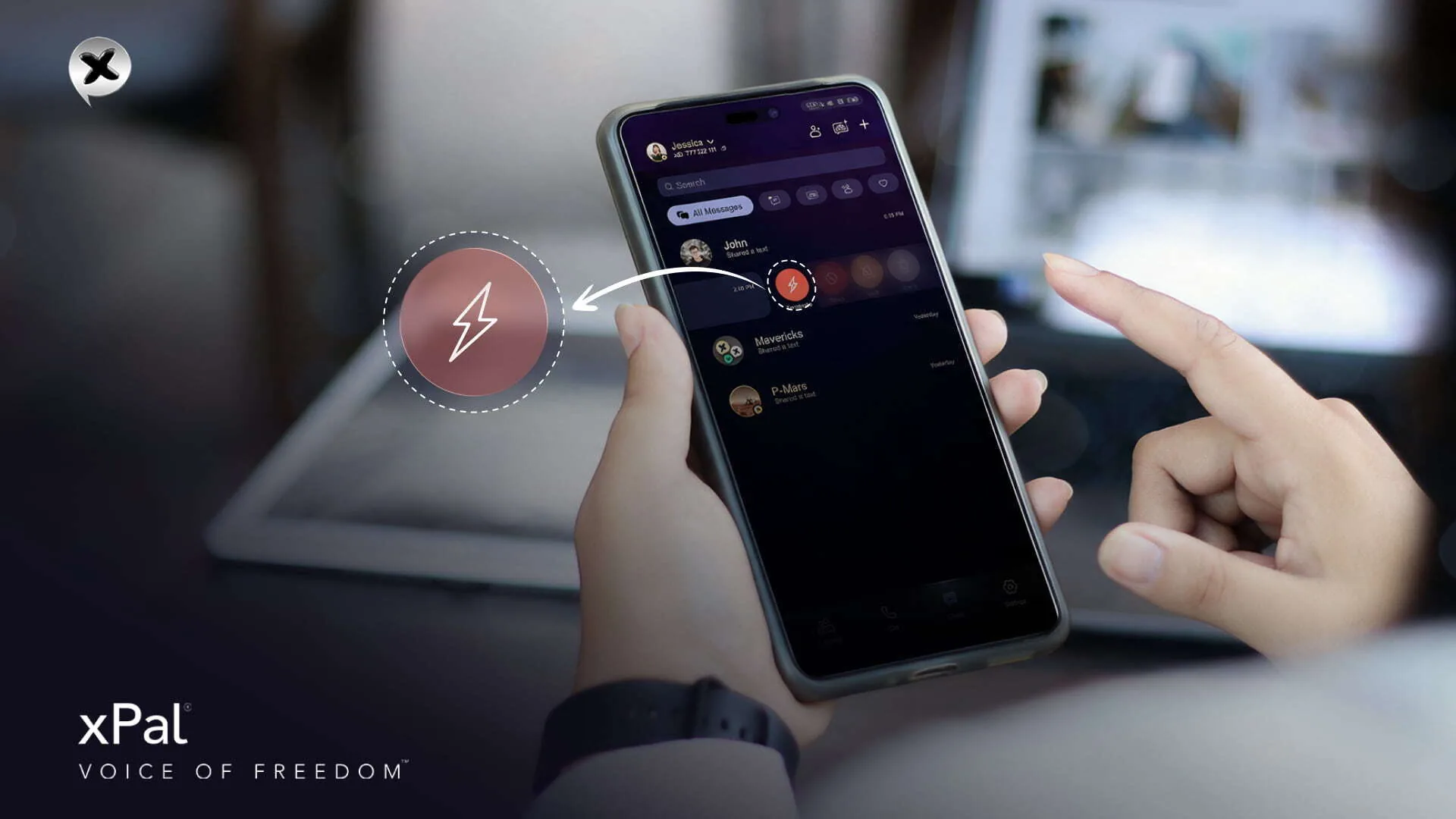
xPal is also built for post-delivery privacy threats that already exist and is designed to address the problem at the conversation level with Terminate™ Mode. It removes the conversation history from the initiating device and, once the deletion command is received and processed, from the recipient device as well, anytime, anywhere, without time limits. The feature also removes the initiating user’s xID from the recipient’s contact list and blocks future communication between them.
The operational detail here is the dependence of remote deletion through Terminate™ Mode on the recipient’s device receiving and processing the command. It also operates within xPal. It cannot retrieve a photograph of a screen, erase a copy exported to another application, or reverse information someone has already learned.
Encryption and Deletion Protect Different Boundaries
End-to-end encryption and remote deletion (Terminate™) address different stages in a message’s lifecycle.
End-to-end encryption is intended to protect the content of a message from unauthorized access while it travels between participants and, depending on the system’s architecture, from access by the service provider. Its guarantees depend on the implementation, endpoint security, key management, and the surrounding system.
Remote deletion addresses what happens to the conversation history after it has been delivered.
These controls complement each other, but neither substitutes for the other.
xPal gives users direct control by addressing the security problem, while making the boundaries of its protection in a private texting app clear and practical.
The Threat of Message Histories and Why Local Deletion Leaves Your Conversations Exposed
Envision this:
Every time two people have a conversation via a communication platform, the histories are saved on multiple devices at both ends, so the ability to delete messages locally is not enough.
A messaging system can encrypt a conversation correctly and still leave the sender with little control over the recipient’s saved copy of the same conversation. Encryption or cryptographic implementations are not the question here because those are serving their purposes, and this is something else.
Consider a conversation where details sent today over an encrypted messenger could be entirely readable or accessible even years later, which is why the ability to delete messages from both sides matters.
Here, the existence of personal details is not a data breach or unauthorized access but the data collection within a private texting app that could be manipulated upon compromise.
Security travels with every activity online, whether a message is sent, a call is made, or a user later tries to delete a message; each action becomes part of the system.
The sender can delete messages or remove other activity from their own device. That action changes what is stored locally on their side. It does not automatically change what remains on the recipient’s device or in the company’s servers.
This is a separate security concern from interception. An encrypted channel can prevent an unauthorized intermediary from reading a message in transit, while the intended recipient retains the message after delivery. Both conditions can exist at the same time.
The risk grows with the lifetime of the information. A message that was appropriate to share yesterday may be inappropriate to keep for years.
A secure messaging system therefore needs to account for more than the journey a message takes between devices. It also needs a deliberate model for how long information remains accessible and what control a user has over its removal.
What Terminate™ Changes About Deleting a Conversation
Terminate™ Mode changes what deletion means in a conversation: the entire chat history is removed from both sides, not just from the device that initiates deletion.
Traditional options to delete messages require users to remove individual messages, often leaving the rest of the conversation intact.
- You do not have to delete messages one by one.
- The deletion covers the conversation history on both sides.
- The recipient’s messages and replies are included.
- The initiating user’s xID is removed from the recipient’s contact list.
- Future communication with that recipient is blocked.
The change is at the conversation level.
Instead of treating each message as a separate item when a user wants to delete a message, Terminate™ is designed to act on the entire chat between two participants. The operation covers the accumulated conversation history, including messages sent by either side.
Terminate™ Mode extends deletion beyond the initiating device. It coordinates the removal of the conversation history across both participants’ xPal histories and prevents further communication with that recipient.
Deleting a Chat Is Not the Same as Using Terminate™ Mode to Delete Messages from Both Sides
| Security operation | Terminate™ behavior |
|---|---|
| Initiating device | Deletes the conversation history |
| Recipient’s device | Deletes the conversation history after the command is received and processed |
| Replies | Included in the conversation deletion |
| Contact relationship | Removes the initiating user’s xID from the recipient’s contacts |
| Future communication | Blocks further communication with that recipient |
| Reversibility | The action cannot be reversed through the Terminate™ feature |
| Copies outside xPal | Not under Terminate™’s direct control |
Terminate™ Mode is designed for situations where the user needs to erase an entire conversation from both sides, rather than simply remove it from their own screen.
Also, remote deletion has a command-processing dependency, and xPal’s Terminate™ Mode is a specific example of remote deletion.
Remote deletion through this security feature introduces an operational requirement that local deletion does not have: the other device must receive and process the deletion command.
This is important because the recipient’s device may not be connected when Terminate™ is activated. A device can be offline, powered down, or otherwise unable to process an incoming change.
What Terminate™ Cannot Delete From a Conversation
A user’s question about how to delete message history can involve different things at different layers of a system. A user interface may remove a thread from view; an application may delete its local message records; or an operating system, backup mechanism, or separate application may retain data beyond the application’s immediate control.
A credible assessment needs to identify which layer is covered.
xPal Terminate™ Mode removes the conversation history from the initiating device and the recipient’s after the command is received and processed.
Alongside, the limitation should be understood as a fundamental one: deletion inside a messaging application cannot guarantee deletion of information already captured elsewhere, particularly:
- A photograph taken of the screen using another device remains outside the private texting app, even after a user tries to delete messages.
- Text copied into a note, document, or separate messaging application.
- Information manually recorded by the recipient.
- A recording or other capture made before the deletion command was processed.
These are not necessarily failures of the deletion mechanism. They are copies outside the mechanism’s control.
The distinction becomes especially important when people share sensitive documents, business information, or material that could have consequences if retained. Remote deletion can reduce the accessible history within the application. It cannot guarantee that the recipient has forgotten the content or that no independent copy exists.
Terminate™, Flicker™ and Total Wipeout™ Serve Different Purposes
xPal private texting app offers several ways to manage chat history, each designed for a different purpose. These controls work differently and should not be used interchangeably.
| Feature | Designed scope | Appropriate use |
|---|---|---|
| Terminate™ Mode | Entire conversation with a specific recipient, including replies | Removing a particular conversation from both participants’ devices |
| Flicker™ | Messages configured to expire after they are viewed | Limiting how long selected messages remain available |
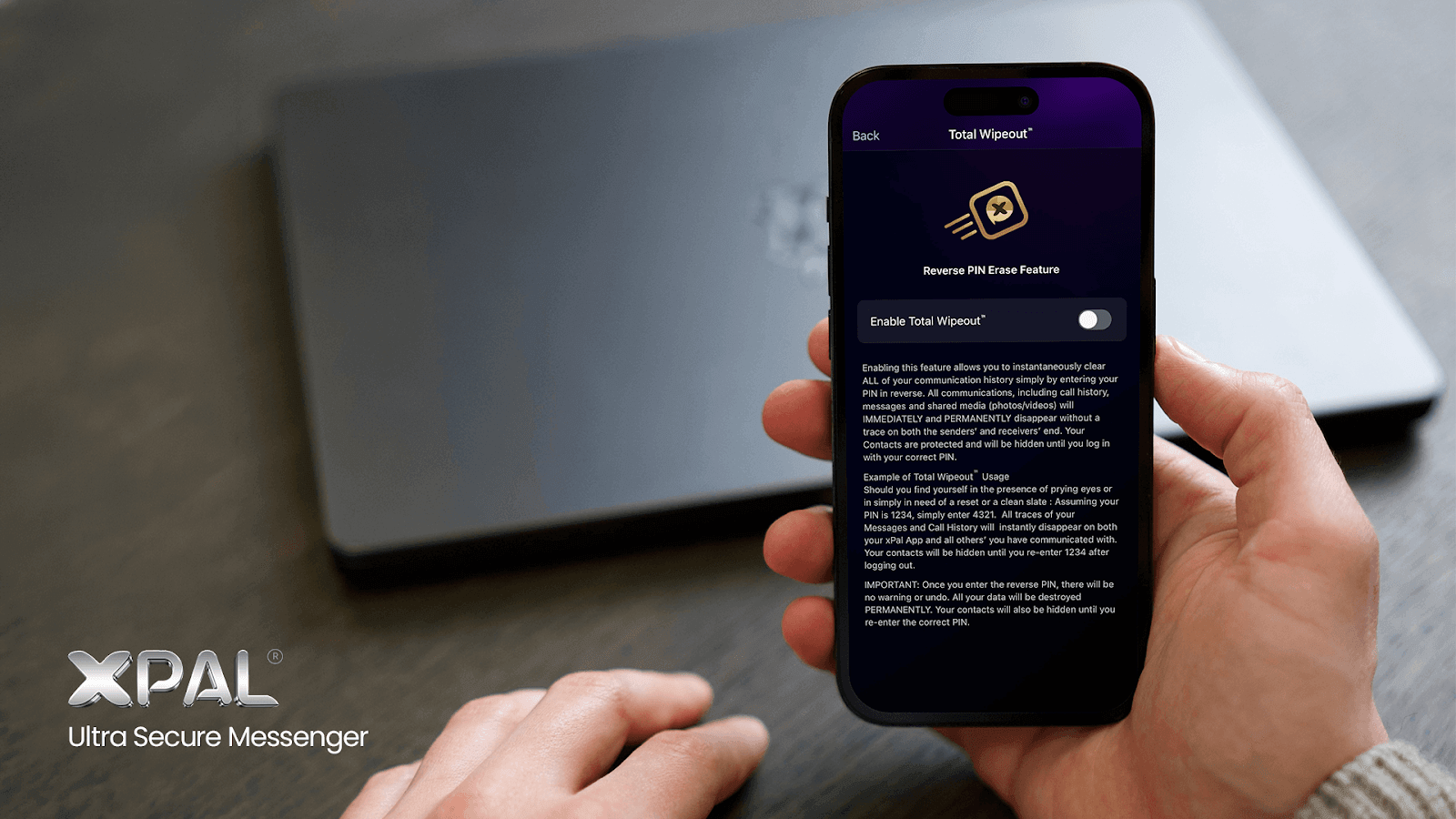
| Total Wipeout™ | Broader communication-history deletion, including messages and call history | Emergency or account-level history removal |
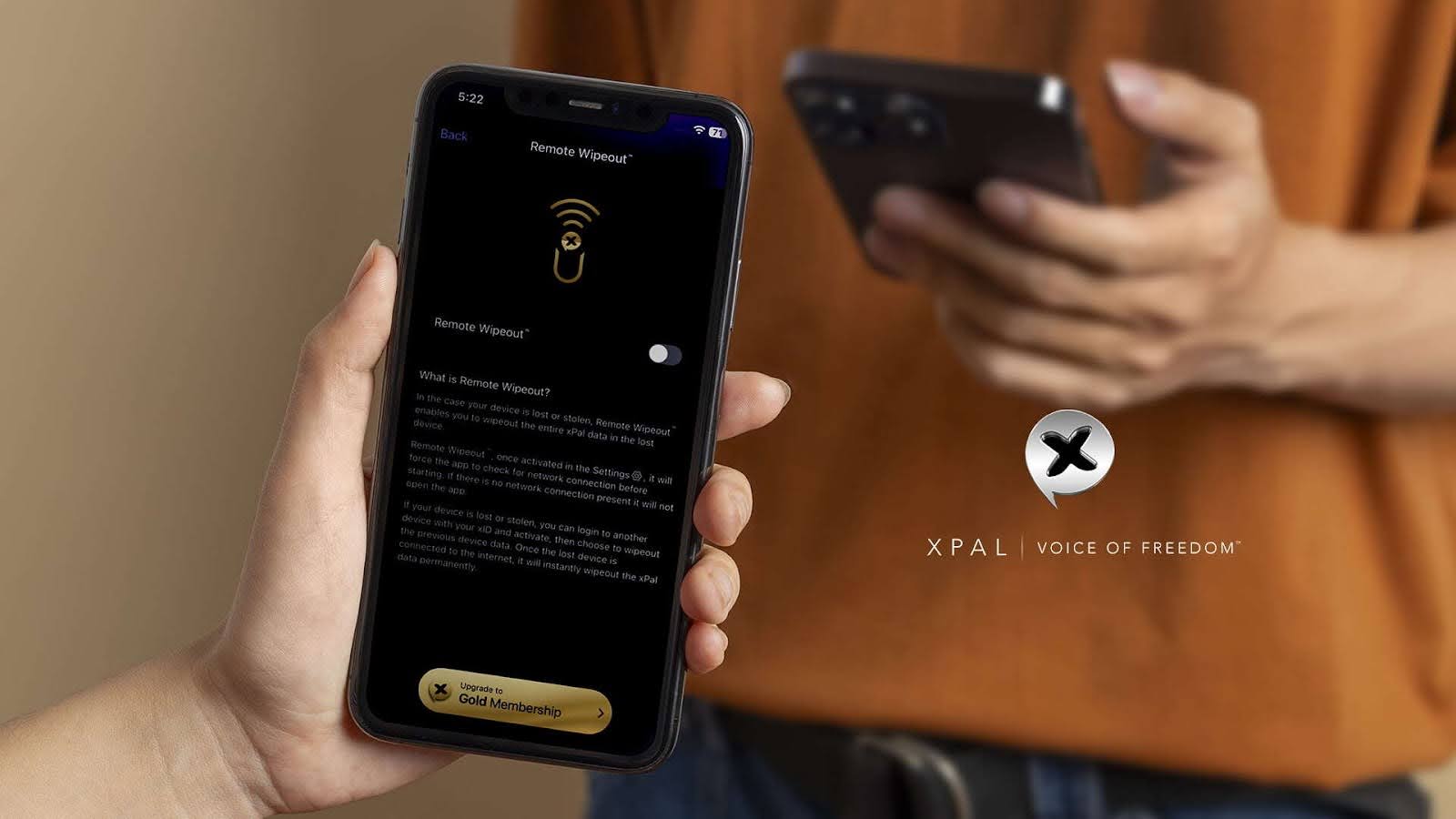
The choice depends on the scope of the problem. A user who wants selected messages to expire has a different requirement from someone who wants to remove a complete conversation. A user responding to a lost-device or broader exposure scenario may need a wider control than either.
Choosing the appropriate feature is part of the security decision. A control designed for one conversation should not be assumed to perform the same operation as an account-wide wipe.
Where Remote Deletion Fits in a Security Policy
Remote deletion is most useful when it forms part of a broader approach to information retention.
Organizations should decide which information belongs in a private texting app, how long it needs to remain available, and which records must be retained for legal, regulatory, or operational reasons. They should also account for recipient behavior, endpoint compromise, device access, and copies made outside the messaging system.
A deletion feature does not automatically satisfy a legal retention requirement, nor does it establish that a record has been removed from every relevant system. In some environments, deleting a conversation may conflict with an obligation to preserve records. That question needs to be resolved before the feature becomes part of an organizational workflow.
The same care applies to personal use. Users should understand the scope of a deletion operation before sharing information on the assumption that it can later be withdrawn.
Terminate™ Mode gives xPal users a mechanism intended to remove a complete conversation from both sides of an exchange. Its security value is clearest when that capability is understood accurately: what it removes, when the remote action takes effect, and which copies lie beyond its reach.
A Privacy Tool Still Has to Be Used Responsibly
Any feature that lets users delete messages or erases a conversation raises a difficult issue. The same tool that helps someone remove a home address shared for a one-off transaction could also be used by a person who wants to destroy a record they have a duty to preserve. The software action may look identical in both cases; the surrounding circumstances are what make the difference.
A messaging service cannot reliably infer the purpose behind every deletion without examining private communications, and such inspection would itself raise serious privacy concerns. xPal builds privacy tools for the legitimate protection of personal communications, while responsibility for lawful use remains with the people who choose to use them. That position does not make every use acceptable, nor does it remove the need to explain what members must consider before acting.
Legal duties to preserve records can arise from court orders, pending or reasonably anticipated proceedings, investigations, regulatory requirements, and contractual or professional obligations. Those duties depend on the relevant jurisdiction and circumstances, but a deletion feature does not cancel them. A person or organization that must preserve a conversation should retain it through appropriate means and should not use Terminate™ Mode to remove records within the scope of that obligation. Destroying material in breach of a legal duty can have serious consequences regardless of whether the action was carried out with a messaging feature, a delete key, or some other method.
The wider debate over privacy technology has long involved this question of dual use. Locks, passwords, encrypted storage, and secure communications can protect legitimate private activity, while the same protections can sometimes be misused. Treating every user as suspect because a tool could be abused would place the burden on the many people who depend on privacy for ordinary reasons; ignoring misuse entirely would be equally irresponsible. A credible approach requires a clear account of what a feature does, what it cannot do, and what responsibilities remain with the person using it.
There is a consequence to the alternative, too. If conversations are retained indefinitely simply because they might be useful one day, a messaging service can become a long-running archive of personal and professional life, containing details that were never intended to have an indefinite lifespan. Retention can be necessary, but it should have a reason. Where a conversation no longer needs to remain, and no duty requires it to be preserved, giving members a way to remove it is a meaningful privacy control.
FAQs
What should users consider before deleting a conversation that contains sensitive
information?
Consider whether the conversation contains information you may need later, whether you
have a duty to retain it, and whether copies exist outside the messaging app. With xPal
Terminate™ Mode, also remember that the action is irreversible once confirmed.
Can deleting a conversation create problems if a business needs to investigate a
past decision?
Yes. A conversation may contain instructions, approvals, agreements, or other
information relevant to an investigation. If the business may need those records, it
should preserve them before deletion. Removing records subject to an investigation or
legal preservation requirement can have serious consequences.
How should organizations set rules for retaining and deleting private
messages?
Organizations should identify which conversations must be retained, how long records
need to be kept, who can authorize deletion, and how legal holds are handled. Policies
should reflect applicable laws and the organization’s actual responsibilities
rather than treating every conversation as either permanent or disposable.
How long should personal information remain in a messaging app?
There is no single retention period that suits every conversation. Information should
generally remain available for as long as it serves a legitimate purpose or must be
retained under applicable obligations. Once that need ends, users and organizations can
consider deletion, provided no preservation duty applies.
Is it a good idea to delete old conversations with people you no longer
contact?
It can be sensible when conversations contain personal details that no longer need to
be available. Before using Terminate™ Mode to remove them, consider whether they contain
useful records, agreements, or information you may need later. For work-related
conversations, applicable retention requirements should also be considered.
What privacy risks come from keeping years of chat history on a
phone?
Long message histories in a private texting app can accumulate addresses, contact
details, personal photographs, financial information, work documents, and other
sensitive material. If a device is lost, shared, compromised, or accessed without
permission, that history may expose more information than the owner intended to keep
available.
Can a messaging app control what happens to information after someone copies
it?
Generally, an app cannot reliably control independent copies that someone has already
made outside the service.
What privacy controls should I look for when choosing a messaging
app?
Look beyond encryption alone. Check how the service handles stored messages, account and
contact information, device access, backups, deletion, and account security. Also review whether its documentation explains
the limits of each feature. Clear descriptions of what a control does, and does not do,
are important when evaluating privacy claims.
How do message deletion features fit into a company’s data-retention
policy?
Features that let users delete messages can help remove conversations that no longer
need to remain in a messaging service. However, they should operate within the
company’s retention rules. Required records must be preserved, and employees
should understand when deletion is permitted, who can authorize it, and what to do when
a legal hold or investigation applies.
Can you delete a message after someone has already read it?
A remote deletion feature such as Terminate™ Mode may remove the conversation history
from the recipient’s device after the message has been read. It cannot undo the
recipient’s knowledge of the content or guarantee that the content was not copied
elsewhere.
Can remote deletion be used as proof that confidential information was never
disclosed?
No. Removing a conversation after delivery does not prove that the recipient never saw
it, copied it, or shared it.
Should a business use remote deletion for regulated communications?
Whether Terminate™ Mode is appropriate depends on the applicable retention, audit, and
recordkeeping requirements. Some communications must be preserved even when they contain
sensitive information. Organizations should preset whether deletion is permitted, what
evidence is required, and which records need to be retained before making remote
deletion part of a formal policy.
Is remote deletion the same as disappearing messages?
No. Disappearing messages are generally configured to expire according to a timer or
another defined event. Terminate™ Mode is designed to remove an entire conversation with
a specific recipient.