Can Deleted Messages Still Be Seen? What Users Should Know About Chat Privacy
You deleted the message. But what did you actually delete?
You send a message, reconsider it, and press delete.
The conversation looks cleaner. The message disappears from your screen. You move on.

But an important question remains: did you remove it only from your device, or did you remove it from the other person’s chat too?
Those are different actions.
A message may also have been copied, captured in a screenshot, downloaded as an attachment, or seen in a notification before you deleted it. Removing the original message does not necessarily remove those separate copies.
That is why choosing a private texting app involves more than checking whether it has a delete button. You need to understand what that button does, where the deletion applies, and which limitations remain.
This guide explains message deletion from a user’s point of view: what to look for, how to manage old conversations, and how xPal describes its communication-history controls.
1. Deleting a message and deleting a conversation are different
“Delete” sounds straightforward, but messaging features often use the same word for different actions.
You might remove one message, clear your local chat view, erase an entire conversation, or send a request for another supported device to remove the conversation too.
Before using any deletion feature, ask:
- Does it remove one message or the whole conversation?
- Does it affect only my device?
- Does the recipient’s device need to be connected?
- Does it include replies and shared media?
- What happens if someone has already saved a copy?
These questions matter because the result you see on your screen may not explain what happened elsewhere.
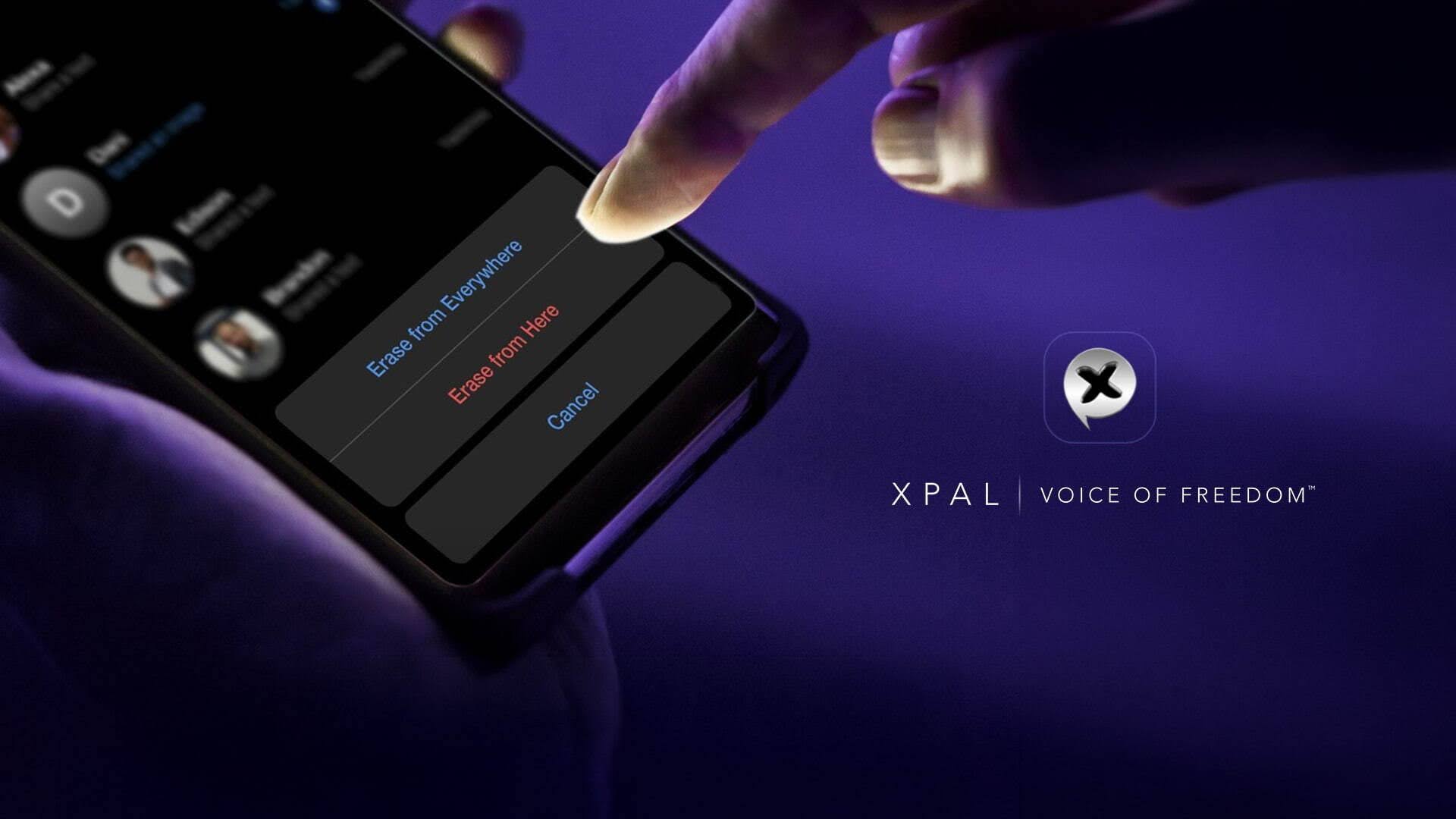
For example, xPal describes Terminate Mode as erasing an entire chat history from your device and, once the command is received and processed, from the recipient’s device. The website specifies that both your messages and their replies are removed from supported, connected xPal clients.
The connection and processing conditions are important. We should not describe this as unconditional deletion from every device, regardless of its status.
A private messaging app should explain these distinctions clearly so users can make informed decisions rather than rely on assumptions.
2. Encryption and deletion solve different problems
Encryption and deletion are related privacy tools, but they do different jobs.
Encryption protects communication content. Deletion controls how long information remains available in a chat or on supported devices.
A conversation can be encrypted and still remain visible on an unlocked phone. Likewise, removing an old chat does not explain whether the communication was encrypted when it was sent.
xPal’s website describes encrypted messaging and end-to-end encrypted audio and video calls. Separately, it lists Flicker Mode, Terminate Mode, and Total Wipeout as controls for message lifespan and communication history.
That distinction is useful when evaluating a private chat app. Look at both protections:
- How is the conversation protected while communicating?
- What controls are available once the information has been received?
Neither question should replace the other.
3. Disappearing messages help you avoid unnecessary history
Some information is useful only briefly.
Meeting directions, temporary instructions, a short-lived update, or a personal image may not need to remain in a conversation for months.
Disappearing messages let users decide that certain content should have a shorter lifespan. Rather than remembering to remove every message later, you apply a time-based control.
According to xPal’s website, Flicker Mode:
- Can be enabled on a per-chat basis.
- Automatically deletes messages from sender and receiver devices.
- Uses a preset period after messages have been seen.
- Offers a message lifetime from 30 seconds to one day.
The phrase “after they are seen” matters. It is more accurate than saying messages always disappear a fixed time after sending.
Before using temporary-message settings, understand when the timer starts and choose a duration that gives the recipient enough time to read the information.
A private texting app can make temporary communication more intentional, but the user still needs to select the right setting for the conversation.
4. Screenshots remain outside the original message
Disappearing messages are useful, but they should not create a false sense of certainty.
A recipient may copy text, photograph a screen, save an attachment, or record information before it disappears. Those actions create a separate record.
This is why privacy also depends on what you share and whom you trust.
Before sending something sensitive, consider:
- Does the recipient genuinely need this information?
- Could I share a less detailed version?
- Would I be comfortable if they kept a copy?
- Am I relying too heavily on a disappearing-message timer?
The right approach is not to avoid messaging altogether. It is to recognise that deletion controls manage supported chat content, not every possible record someone might create.
A private chat app can offer useful tools without promising absolute control over another person’s behaviour.
5. Group conversations require extra care
A group chat adds more people and devices to a conversation.
That makes it especially important to avoid treating deletion as a guarantee that information has disappeared from every participant’s possession.
Someone may have downloaded a file. Another participant may have copied a message. A third may have captured a screenshot before any deletion occurred.
xPal describes its Group Messaging feature as private group messaging with end-to-end encryption and privacy. However, the homepage does not establish every group-specific deletion behaviour.
Therefore, when choosing a private group chat app, do not assume that every one-to-one history control works identically across an entire group.
Check the relevant documentation or settings before relying on a particular feature for group conversations.
Useful habits include:
- Share only information needed by the group.
- Avoid posting passwords or verification codes.
- Check documents and images before uploading them.
- Do not use group history as permanent storage for sensitive material.
- Treat every participant as someone who can retain what they receive.
6. Old media and files deserve attention too
A conversation is more than a series of text messages.
It may contain photographs, videos, documents, and call history. When reviewing old chats, think about these items separately rather than assuming that clearing text also removes everything associated with the conversation.
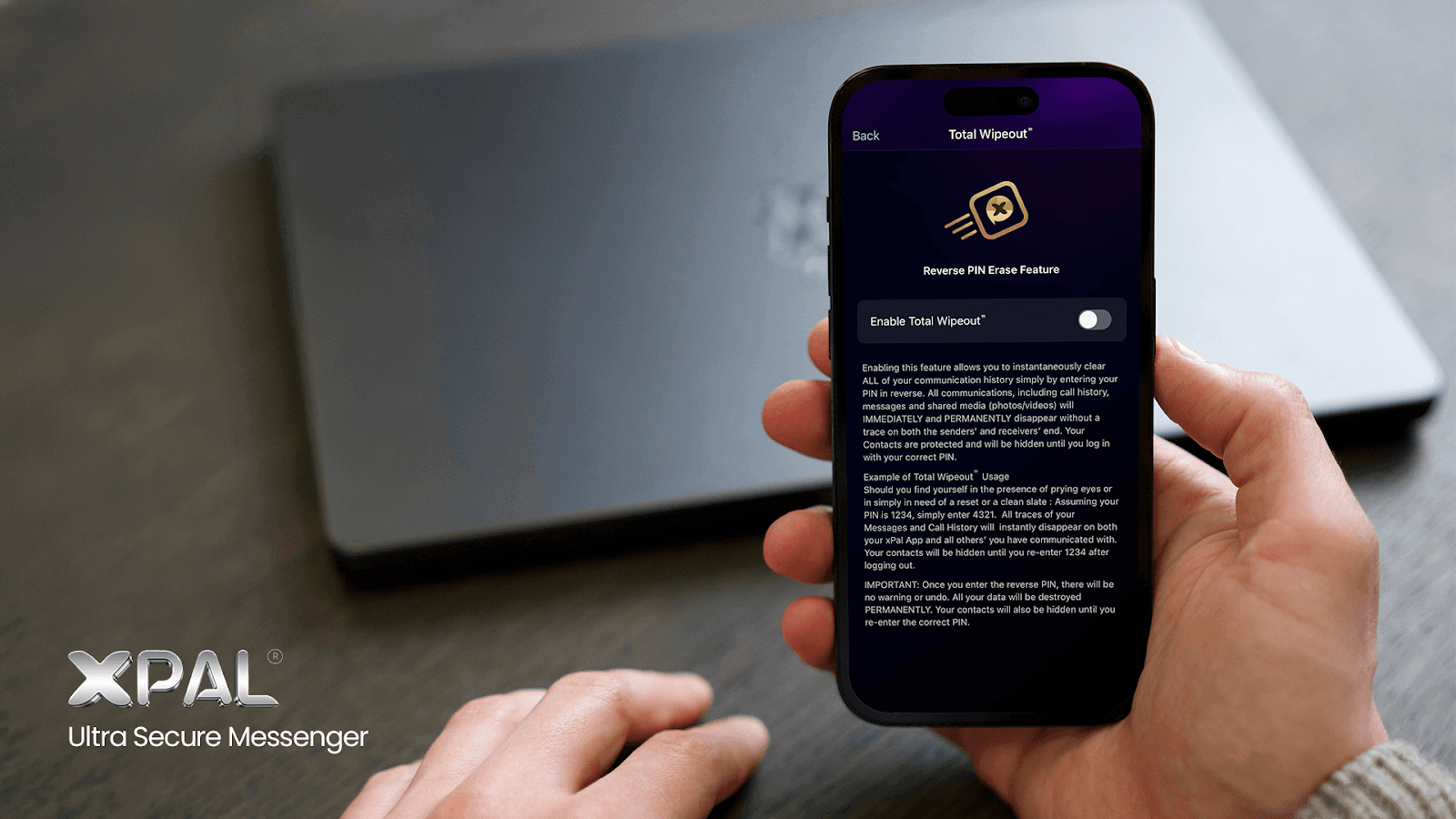
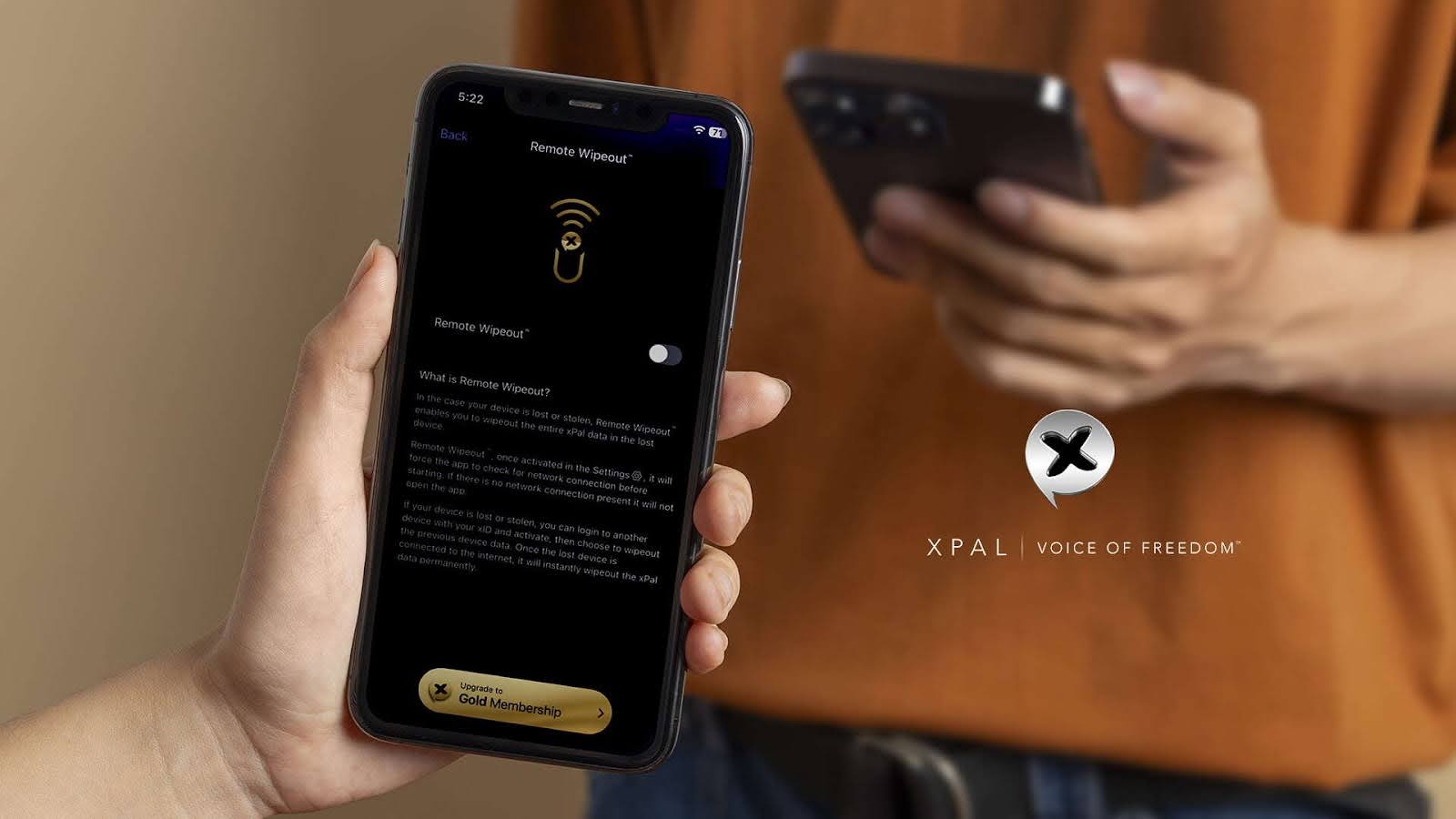
xPal describes Total Wipeout as clearing communication history, including call history, messages, and shared media, from sender and receiver devices when the PIN is entered in reverse.
That is the website’s stated feature scope. It should not be expanded into a claim that every screenshot, exported copy, or external recording disappears.
For private files you intentionally want to retain, xPal also offers XAVE Encrypted File Vault. Its website describes XAVE as a device-level encrypted vault for storing private files locally on your device.
These are different needs: removing communication history and protecting files you choose to keep.
7. Shared photos have a separate privacy issue: metadata
Even a message you plan to delete later may reveal information at the moment you send it.
Photos and videos can carry metadata alongside their visible content. Users should therefore think about both the image itself and the information attached to the file.
xPal states that its Photo & Video Sanitizer automatically strips metadata from shared media before it is encrypted and sent.
This is separate from deletion. Sanitisation addresses attached metadata before sharing; deletion addresses how long chat content remains available afterward.
Visible details still deserve attention. A photograph may show a document, address, screen, or identifying information regardless of whether metadata has been removed.
When evaluating a private messaging app, consider the complete sharing process, not just the final delete button.
A practical checklist before relying on deletion
Before sending something you intend to remove later, check the following:
| Question | Why it matters |
|---|---|
| What does the feature remove? | One message, a conversation, and all communication history are different scopes. |
| Which devices are affected? | Local deletion is not the same as removal from another supported client. |
| Are there connection requirements? | A command may need to be received and processed. |
| When does the timer begin? | A timer after viewing differs from a timer after sending. |
| Is group behaviour documented? | Do not assume individual-chat behaviour applies to all groups. |
| Could a separate copy exist? | Screenshots, recordings, and saved files may remain outside the chat. |
A private group chat app should be assessed with these questions in mind, especially when several people share sensitive information.
Choosing tools that match your needs
You do not need every privacy feature for every conversation.
For temporary information, a disappearing-message control may be appropriate. For removing a supported conversation, a history-removal feature may be more relevant. For files you want to retain, protected storage addresses a different need.
The most useful private texting app is one whose controls you understand and can use consistently.
If you are comparing platforms, read our Best Private Messaging Apps for Android and iPhone guide. It provides a broader overview of messaging privacy considerations and available options.
Whether you choose a private messaging app for individual conversations or a private group chat app for shared discussions, clear documentation matters more than broad promises.
The goal is not to assume that deleted means gone everywhere. It is to choose a private chat app with understandable controls, share thoughtfully, and keep realistic expectations about information others receive.
FAQs
Can someone still see a message after I delete it?
Possibly. The result depends on the app’s deletion behaviour and whether the
recipient already copied, saved, or captured the content. Removing the original message
does not necessarily remove separate records.
How does xPal’s Flicker Mode work?
xPal says Flicker Mode automatically deletes messages from sender and receiver devices
after a selected period following viewing. It is enabled per chat, with a lifetime from
30 seconds to one day.
What does xPal’s Terminate Mode remove?
The website says Terminate Mode erases an entire chat history from your device and,
after the command is received and processed, from the recipient’s supported,
connected xPal client. This includes messages and replies.
Does Total Wipeout include shared media?
According to xPal, Total Wipeout clears communication history, including call history,
messages, and shared media, from sender and receiver devices when the PIN is entered in
reverse.
Can disappearing messages prevent screenshots?
Do not rely on disappearing messages to prevent screenshots, photography, copying, or
external recordings. They control message availability within the supported chat
experience, not every action a recipient may take.