5 Privacy Risks Users Overlook in Group Chats
Group chats make communication quick and convenient. You can share updates, documents, photos, videos, and messages with several people at once.
But group chats can also create privacy risks that users do not always notice.
The concern is not that group chats are bad. They are useful for professional conversations, online communities, projects, events, study groups, gaming teams, and shared interests. The issue is that people often treat group chats like private spaces without thinking about what information they are sharing, how long it will remain available, or who else may see it.
A private group chat app can help users communicate with more control. Still, users need to understand the risks that come with sharing information in any group.
This guide explains five common group chat privacy risks and practical ways to reduce them.
1. Oversharing in a space with multiple people
A message may feel casual when you send it. But in a group chat, every member can potentially read, save, copy, forward, or screenshot it.
People may overshare by posting:
- Personal phone numbers or email addresses.
- Home or workplace addresses.
- Travel plans or live location details.
- Account details, access codes, or login information.
- Private documents.
- Personal photographs.
- Health, financial, or legal information.
- Opinions that were meant for a smaller audience.
The risk increases as the group grows. A message written for a few trusted people can become difficult to control when more users join, leave, or access the group through different devices.
Before sending something private, ask one simple question: Would I still be comfortable if this message remained available later?
A private messaging app can provide more privacy controls, but it cannot undo information that has already been copied or shared by another person.
How to reduce oversharing
- Share sensitive details one to one instead of posting them in a large group.
- Avoid posting passwords, verification codes, financial information, or identity documents.
- Keep personal details out of group descriptions and profile information.
- Send only what is necessary for the conversation.
- Use temporary-message options when information does not need to remain available.
xPal offers Flicker Mode, a per-chat feature that automatically deletes messages from both sender and receiver devices after they have been seen. The message lifetime can be selected from 30 seconds to one day.
Temporary messages can reduce stored-message exposure, but they cannot prevent recipients from taking screenshots, copying text, or recording a screen.
2. Contact information can be exposed more easily than expected
Many people assume that joining a group chat only reveals their name and messages. Depending on the platform, it may also expose a phone number, profile details, contact information, or other identity-related data to people in the group.
This is important when you are joining a professional community, an online interest group, a project discussion, or a group that includes people you do not know closely.
A private group chat app should help users communicate without exposing more identity information than necessary.
xPal uses a unique nine-digit xID for communication. According to the xPal website, users can communicate without using a phone number, email address, SIM card, contacts, or country code.
This gives users a way to keep personal phone numbers separate from group communication.
How to reduce contact exposure
- Review what identity information is visible before joining a group.
- Avoid posting phone numbers, email addresses, or other personal details in the chat.
- Use a platform that provides a communication ID instead of relying on a phone number.
- Be cautious when joining groups created by unknown people.
- Consider whether every participant needs direct access to your contact information.
A private chat app can help create clearer boundaries between your personal identity and your online conversations.
3. Photos and videos can reveal hidden data
People often think only about what can be seen inside a photo or video. But media files can sometimes contain metadata.
Metadata may include information about the device used, the time a photo was taken, the software used to create the file, or location-related data. In some cases, that information can reveal more than the user intended to share.
For example, a photo may appear to show only a workspace, event, or personal item. But it may also contain hidden information that adds context about where or when the photo was taken.
xPal’s Photo & Video Sanitizer is designed to automatically strip metadata from shared media before it is encrypted and sent.
This does not remove visible details. A photo can still reveal an address, name badge, document, vehicle number plate, or other information shown in the image itself. Users should always check what is visible before sharing.
How to share media more carefully
- Check images for visible addresses, documents, screens, or identifying details.
- Avoid sharing real-time photos if you do not want to reveal where you are.
- Use a messaging platform that removes media metadata before sending.
- Share only with the people who genuinely need to see the media.
- Delete unnecessary media from the group when it is no longer relevant.
A private texting app should support safer sharing of more than text messages. It should also help users protect personal photos and videos.
4. Old group chat history can become a privacy problem
A group conversation can continue for months or years. During that time, it can collect thousands of messages, images, files, links, and private updates.
The problem with permanent history is simple: information that seemed unimportant months ago may become sensitive later.
A former participant may still have old messages saved on their device. A phone may be lost. An unlocked screen may expose old notifications. Someone may search old messages and find information that was never meant to remain available long term.
A private group chat app should give users more control over how long messages remain accessible and what happens to chat history.
xPal provides several features designed to support communication-history control:
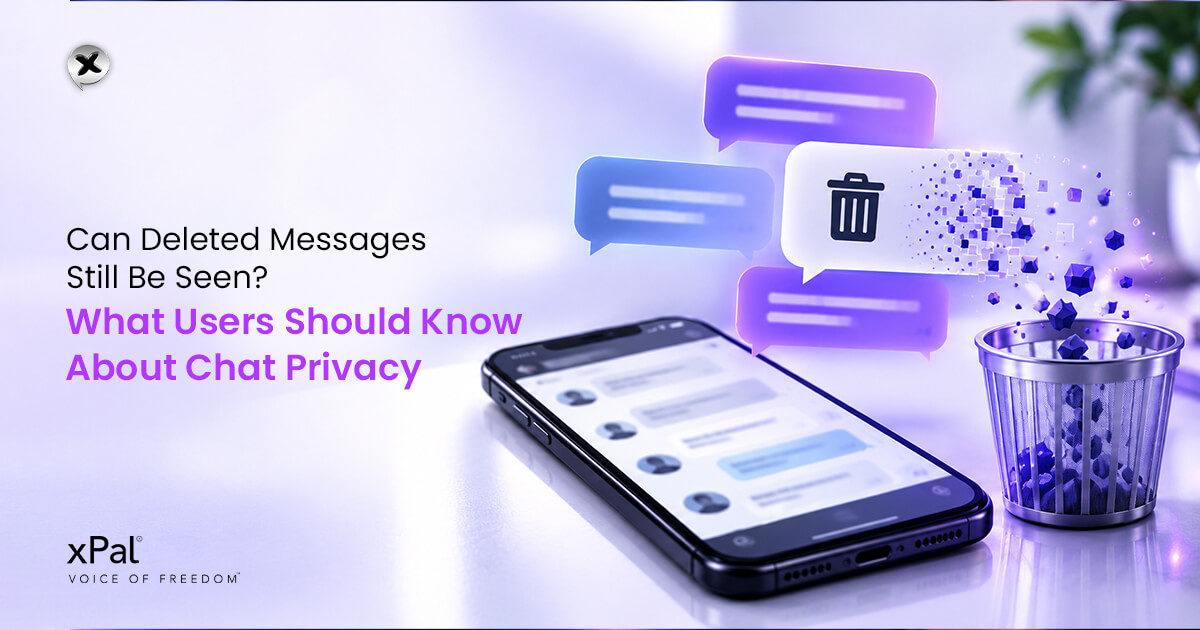
- Flicker Mode automatically deletes messages from sender and receiver devices after they have been seen, based on a selected lifetime from 30 seconds to one day.
- Terminate Mode is designed to erase an entire chat history from your device and, once the command is received and processed, from the recipient’s supported and connected xPal client.
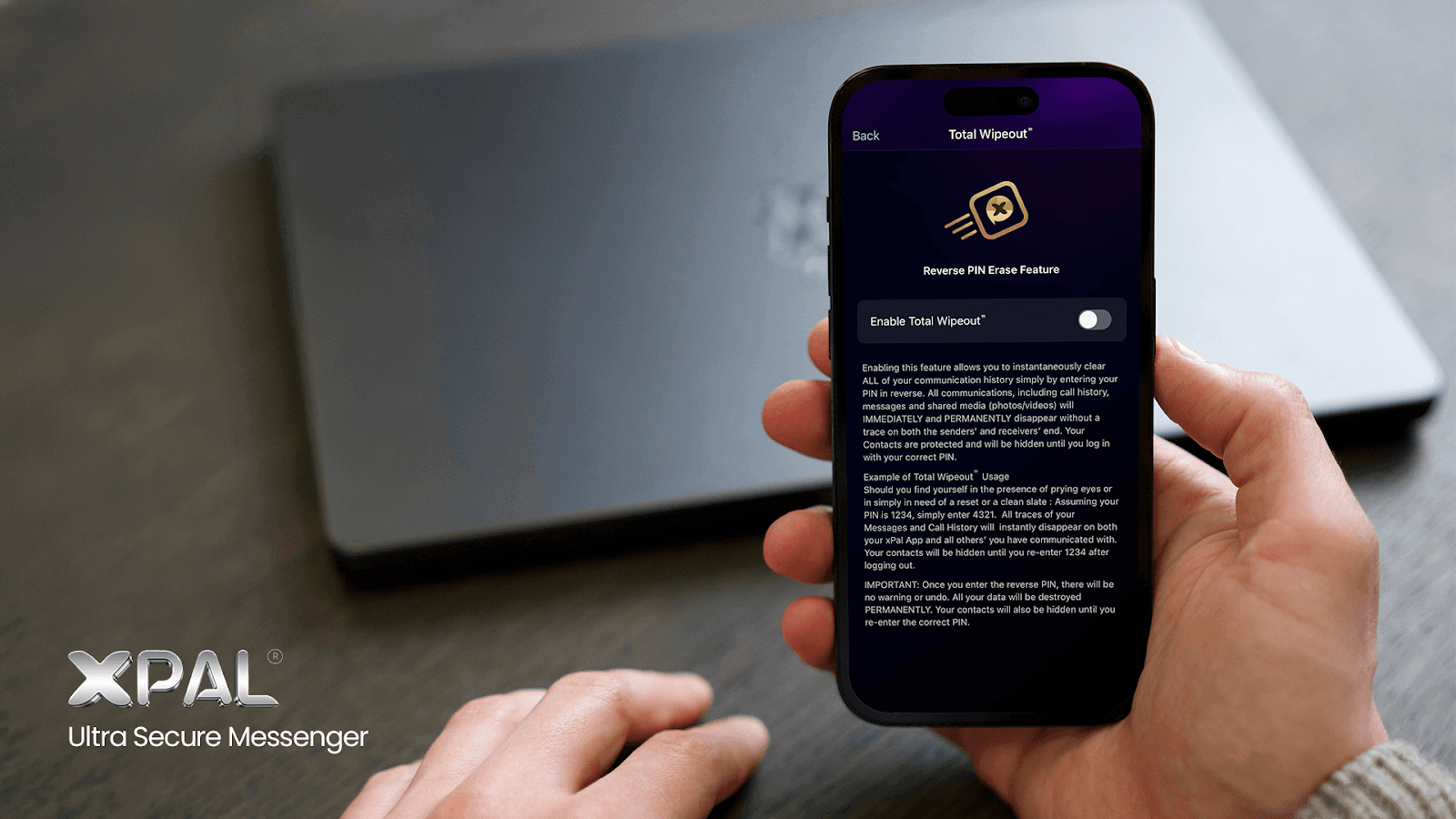
- Total Wipeout is designed to clear call history, messages, and shared media from sender and receiver devices when the PIN is entered in reverse.
These tools can reduce the amount of information that remains stored in a chat. However, no app can guarantee that another participant has not already copied, saved, screenshotted, or recorded the content.
How to manage group chat history
- Avoid treating group chats as permanent storage for sensitive information.
- Use disappearing messages for details that are only needed temporarily.
- Review old chats and remove content that no longer needs to remain available.
- Avoid sending confidential files if a safer storage or sharing method is available.
- Remember that deleting a message does not control copies made by other people.
5. Device notifications and screenshots can expose messages
A group chat may be encrypted, but messages can still appear on a lock screen, smartwatch, laptop notification, or shared device.
This creates a common privacy issue. Someone does not need access to the messaging app itself if the message preview is visible on a screen.
Screenshots are another important risk. Any group member can potentially take a screenshot, copy text, use screen recording, or capture a message with another device.
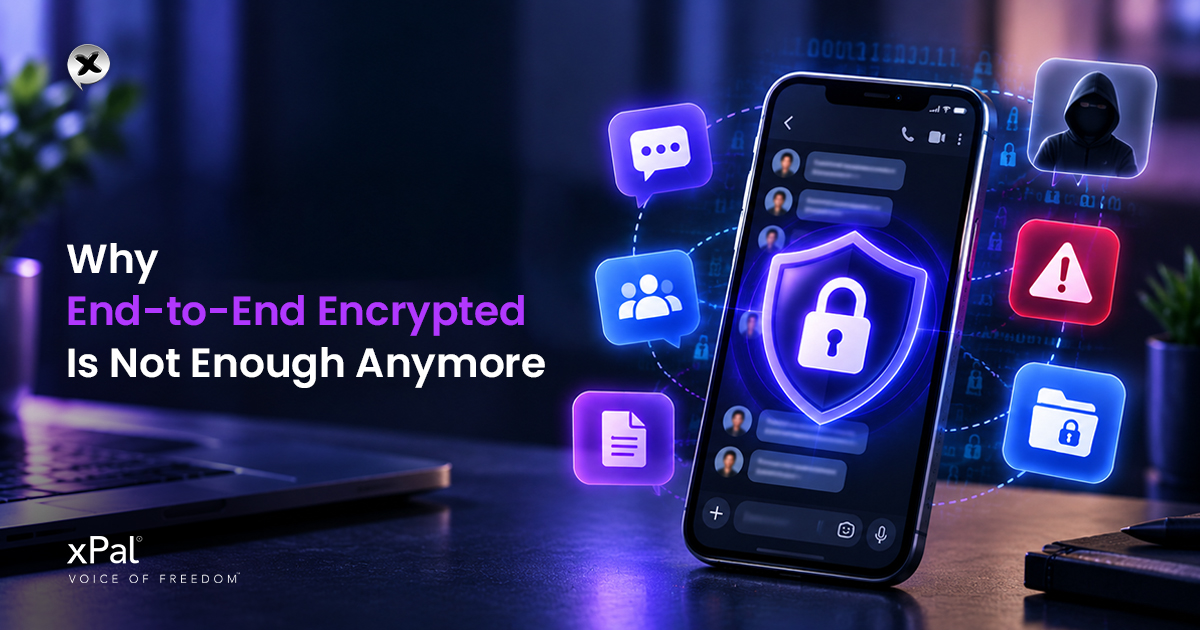
Encryption protects messages during transmission. It does not control what a recipient does after they receive the information. That is why encryption alone is not enough.
That is why a private messaging app should be combined with good personal security habits.
How to protect your device and notifications
- Hide message previews from the lock screen.
- Use a strong device passcode or biometric lock.
- Avoid leaving devices unlocked in shared or public spaces.
- Review linked devices and log out of unused sessions.
- Be careful about what you share in groups with people you do not fully know.
- Use temporary messages for details that do not need to remain on screens for long.
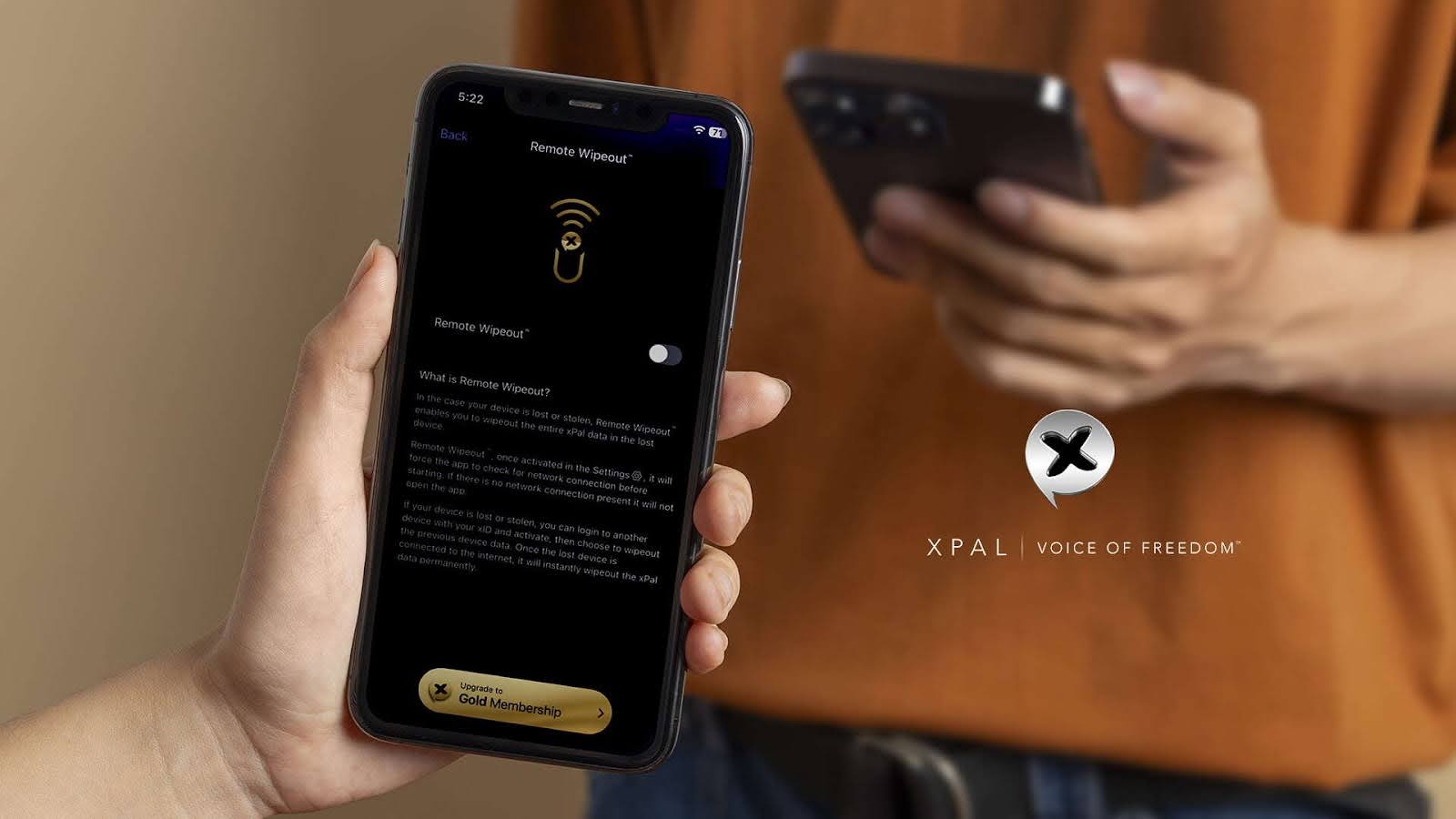
xPal lists additional controls including Decoy PIN, Offline-Lock, Remote Wipeout, and Self-Destruct. According to the website, these features are designed to help users manage access to xPal data and conversations on devices.
For example, xPal describes Remote Wipeout as a feature designed to erase xPal data from a lost device, while Self-Destruct is described as deleting conversations and history from a device after 7, 14, or 30 days of inactivity.
What to look for in a private group chat app
If you use group chats regularly, choosing the right platform matters.
A private group chat app should do more than provide a place to send messages. It should support privacy across the entire communication experience.
Look for features such as:
- End-to-end encrypted group messaging.
- Private communication identifiers.
- Encrypted voice and video calling.
- Metadata protection for shared photos and videos.
- Temporary-message controls.
- Communication-history controls.
- Device-level security features.
- Local encrypted storage for sensitive files.
- Clear information about what data the provider collects.
- Independent security validation or assessment details.
xPal states that it provides private group messaging with end-to-end encryption. It also states that it does not access contacts or other data on a user’s device and does not collect names, phone numbers, contacts, email addresses, or location data.
Its website also lists NIST Cryptographic Algorithm Validation Program validation A7969, DEKRA independent cybersecurity evaluations and certifications, Google App Defense Alliance CASA assessment information, and development practices aligned with OWASP Secure Coding Practices.
Before choosing any messaging service, users should review the current privacy policy, feature documentation, app version, and security information. Features and claims may change over time.
Group chat privacy starts with better decisions
Group chats are useful. They help people collaborate, share updates, and stay connected. But convenience should not mean giving up control over personal information.
The five risks discussed in this guide are easy to overlook:
- Oversharing in front of several people.
- Exposing contact information or identity details.
- Sending photos and videos with hidden metadata.
- Leaving old chat history available for too long.
- Forgetting that notifications and screenshots can expose messages.
A private group chat app can help reduce some of these risks with encryption, privacy controls, temporary messages, metadata removal, and communication-history features.
For users who want a more private messaging experience, xPal combines end-to-end encrypted group messaging with xID communication, encrypted calls, media metadata removal, Flicker Mode, XAVE Encrypted File Vault, and device-level privacy controls.
The best approach is not to stop using group chats. It is to use them more intentionally, share less by default, secure your device, and choose communication tools that respect your privacy.